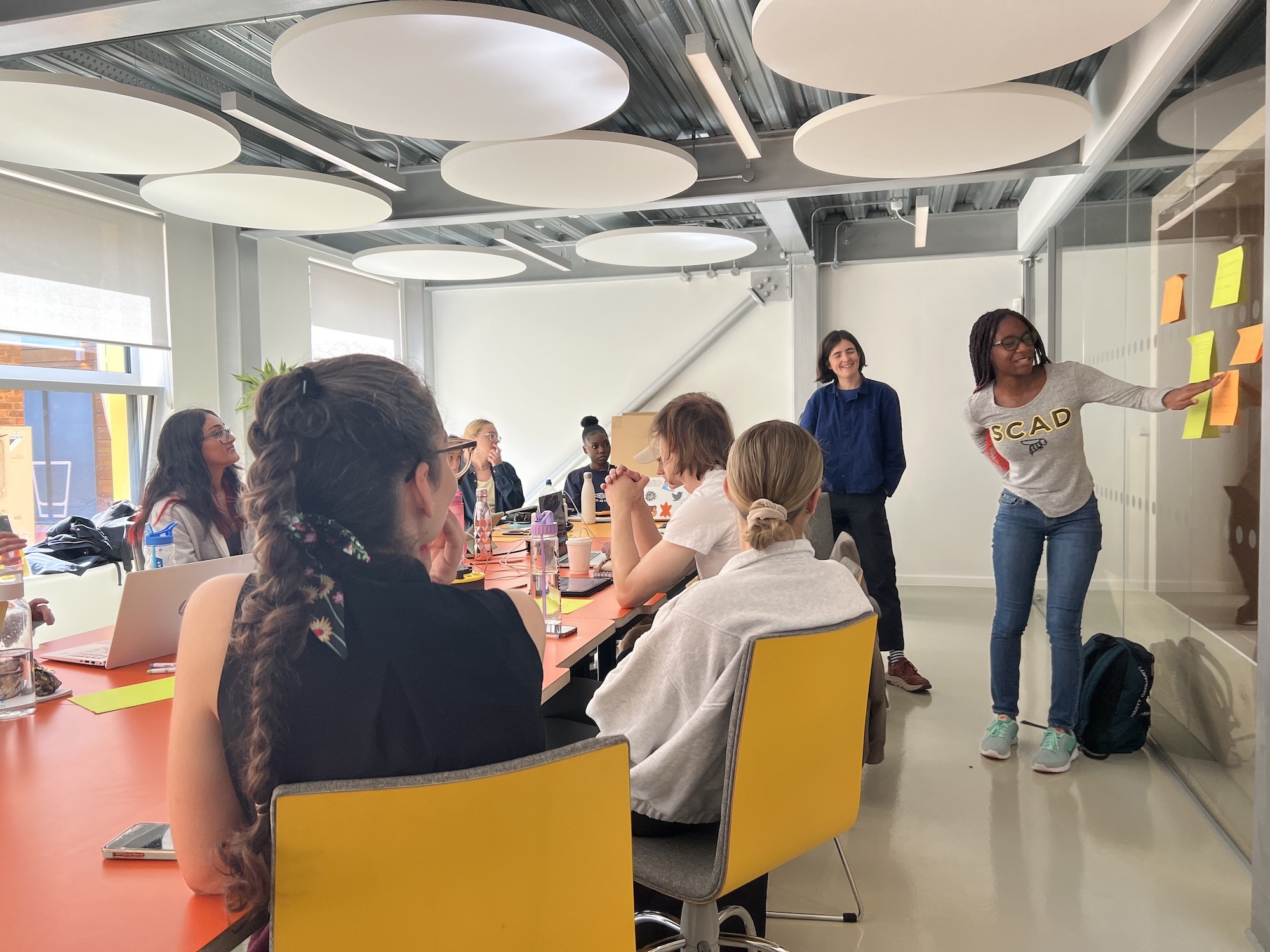




















Location: Innovation Studio, AUB Campus
Admission: Free
AUB, in partnership with digital heritage expert Thomas Flynn, is hosting an Introduction to 3D for Cultural Heritage Professionals event.
Join us for a hands-on workshop where you'll learn how to use 3D technology to preserve and showcase cultural artefacts. This in-person event is perfect for anyone working in the cultural heritage sector who wants to explore new ways of engaging with history.
Across this one-day free workshop you’ll cover:
- Overview of 3D in the heritage sector today.
- Guidance for setting up a 3D digitisation programme.
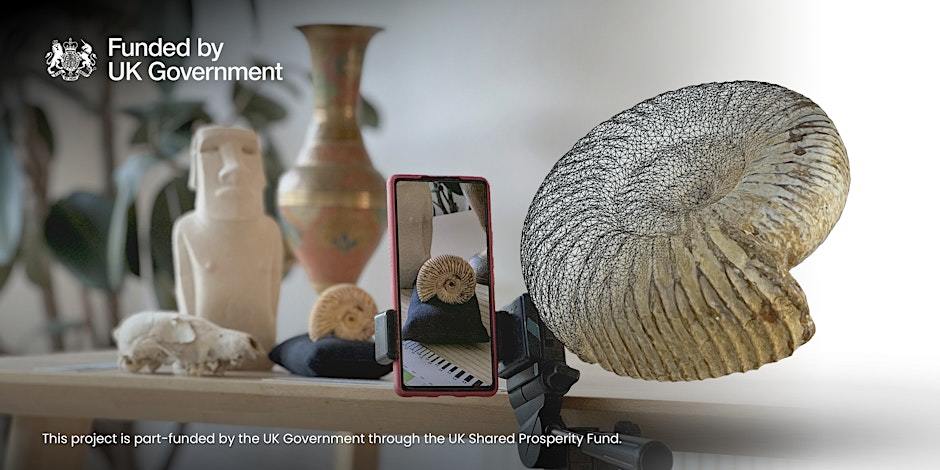
- Learn to create 3D scans using just your smartphone or digital camera.
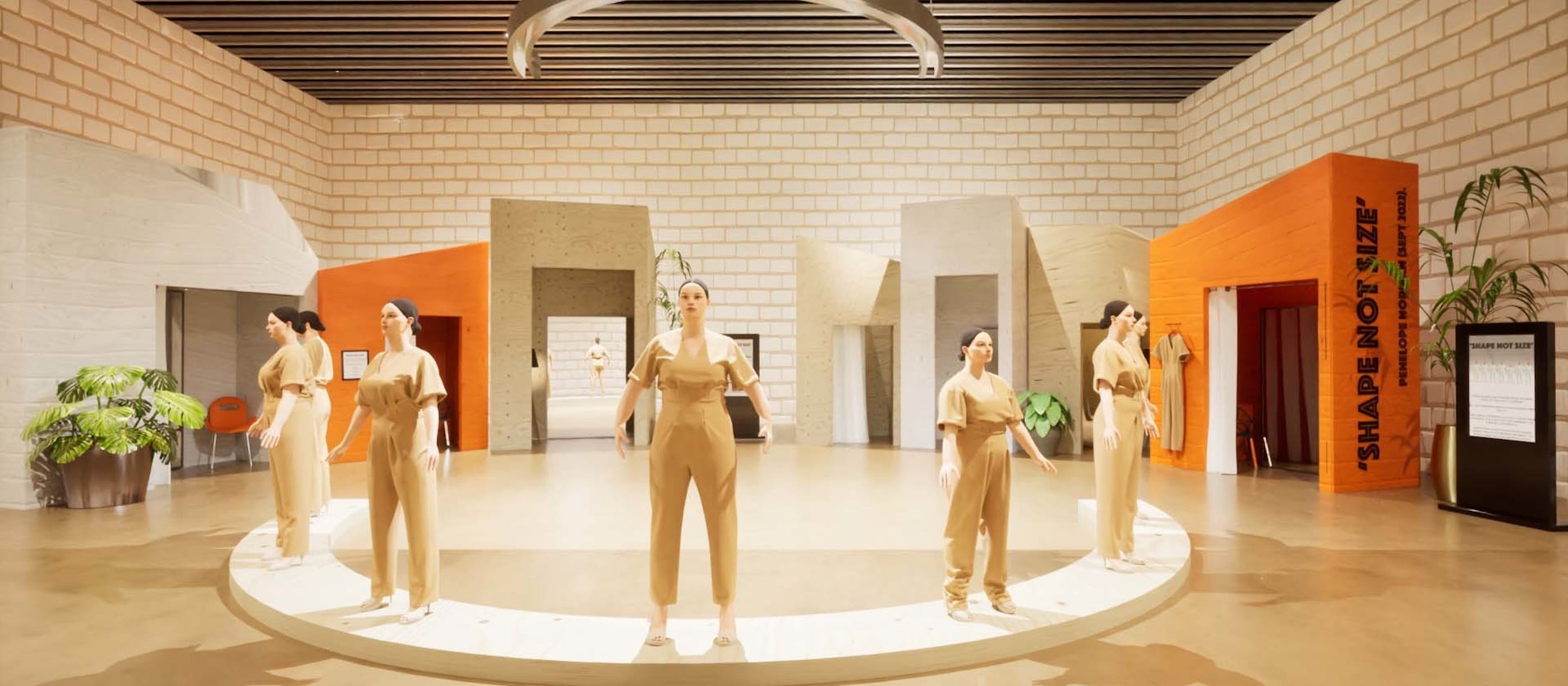
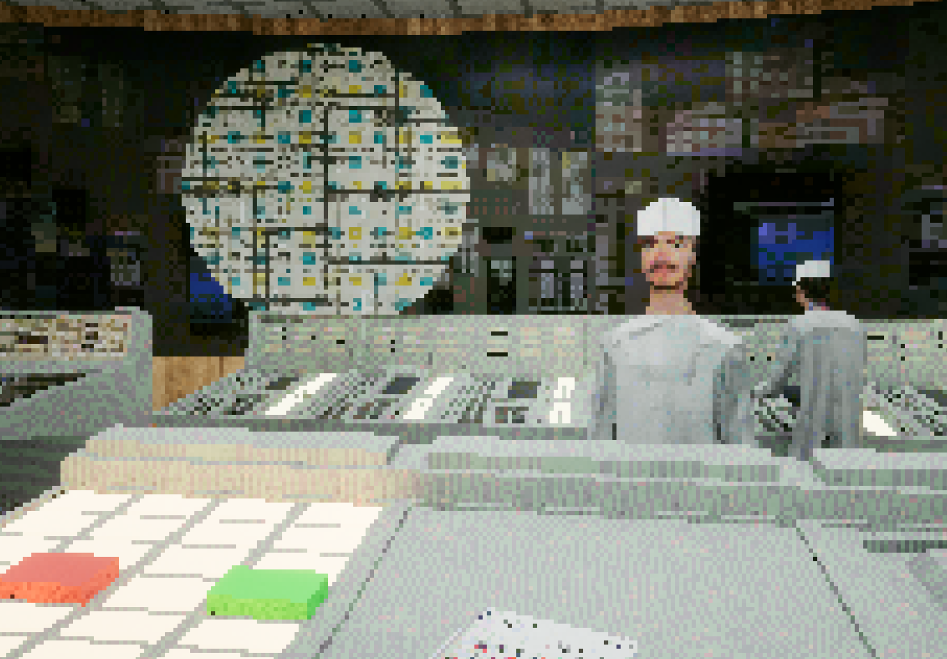
- Try some contemporary augmented reality (AR) and virtual reality (VR) heritage experiences.
- A chance to explore the Innovation Studio facilities.
This project is part-funded by the UK Government through the UK Shared Prosperity Fund.
About Thomas Flynn
This workshop will be led by Thomas Flynn, an independent consultant to the heritage sector specialising in 3D digitisation and publishing, co-chair of the IIIF 3D Community group, and editor of The Spatial Heritage Review.
Previously, Thomas was cultural heritage lead at sketchfab.com, co-founder of museuminabox.org, and initiated publication of the British Museum's first open access 3D data.
Thomas has provided expert advice on the topic of 3D and spatial heritage to UNESCO, The European Commission, Oxford University, Creative Commons, UK Research and Innovation, Columbia University, University College London, and many more organisations.