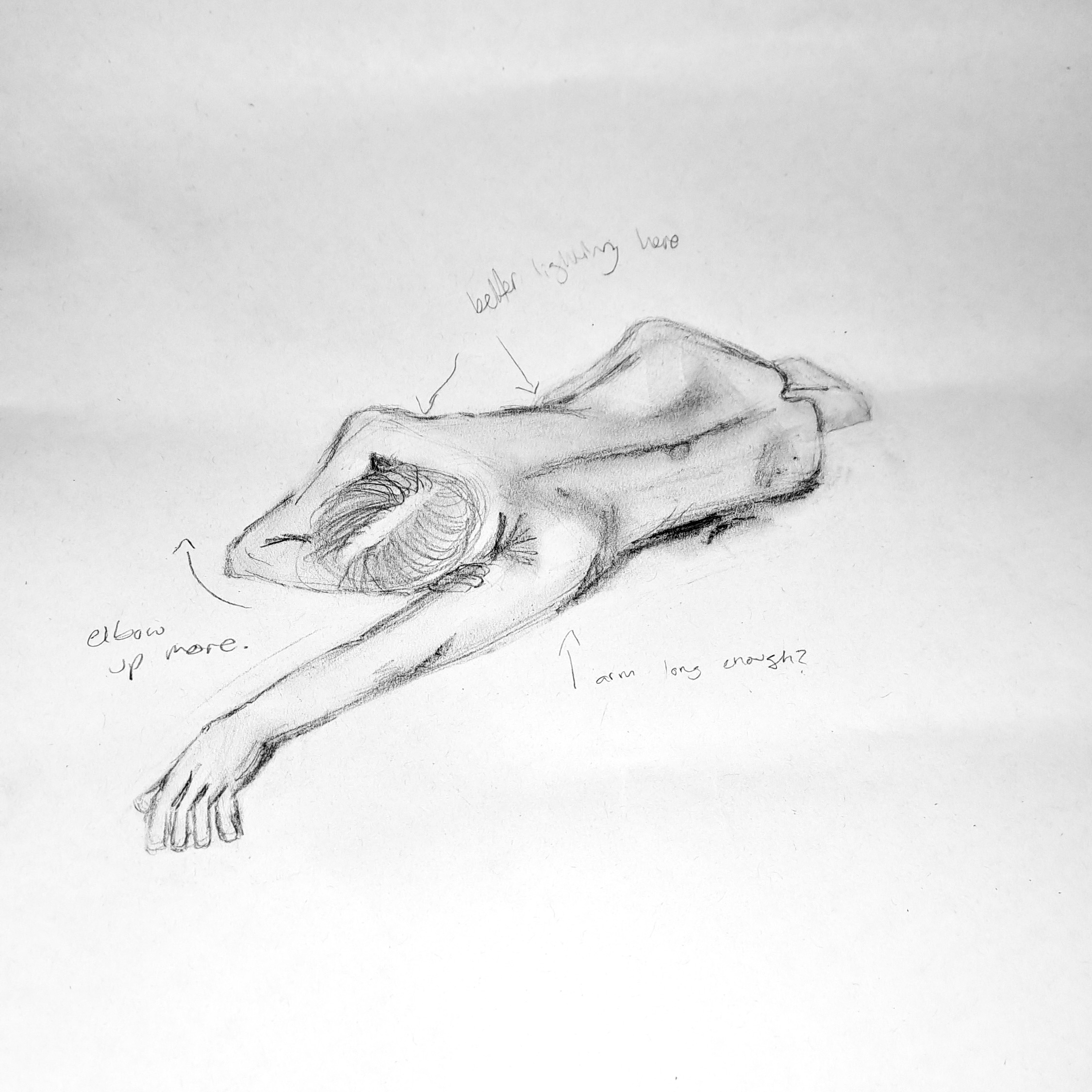





I was always pretty interested in video games and was fascinated by how they were made. I seem to remember a lot of times in primary school where I would mess around with game creators like Scratch and always had an interest in creating games. It wasn't until I was choosing colleges, where I found a Games Art, Design and Sound course at East Surrey College where that interest became an actual hobby and something that really resonated with me.
I chose AUB as they offered a similar kind of course that described itself as quite broad. It didn't focus solely on programming or the art side, but covered all the parts of game design, which made me want to choose it as I didn't want to limit myself. My brother also attended AUB (BA (Hons) Photography) and graduated in 2022 and said the University and the surrounding area were very good, which pretty much sealed the deal for me.
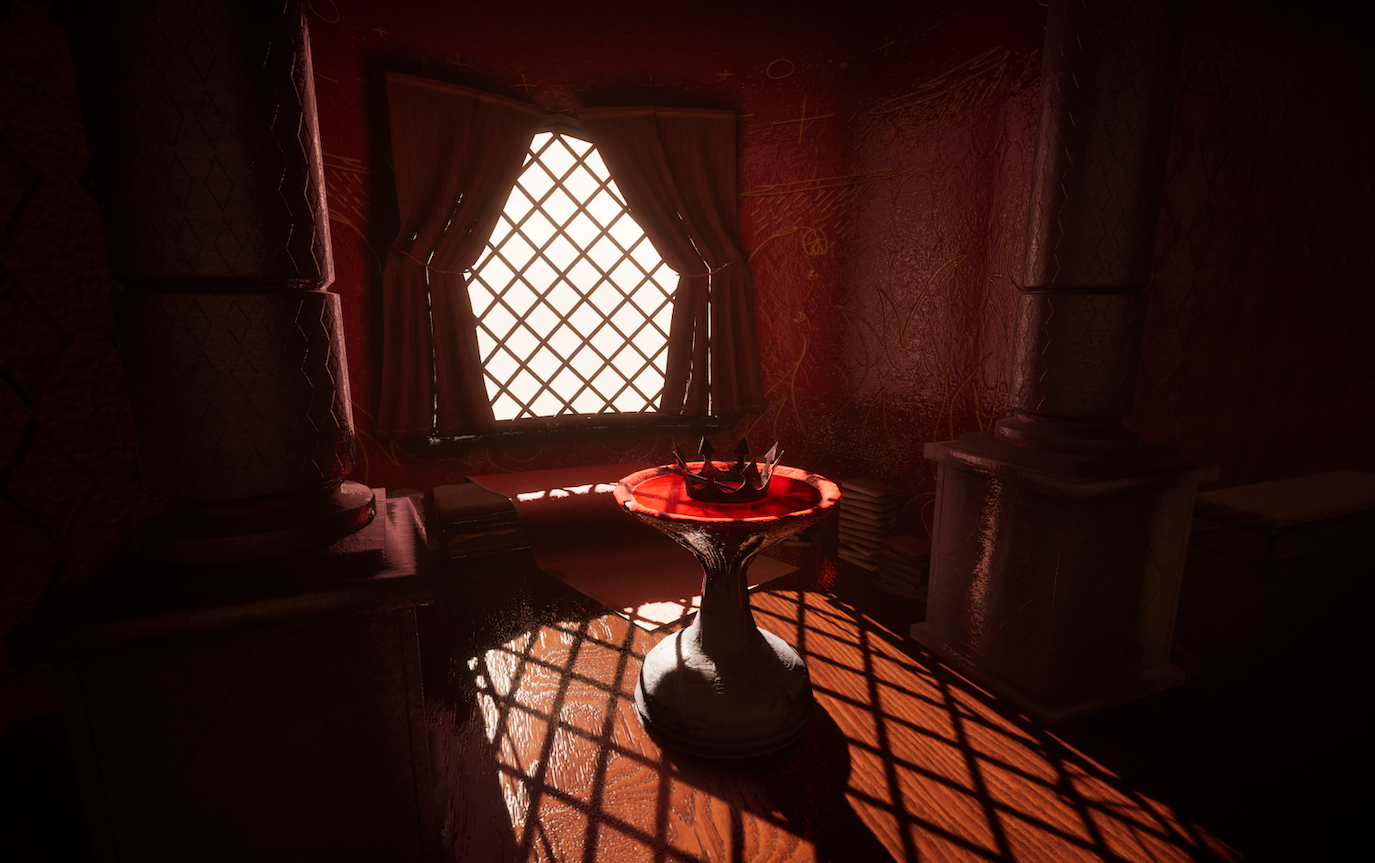
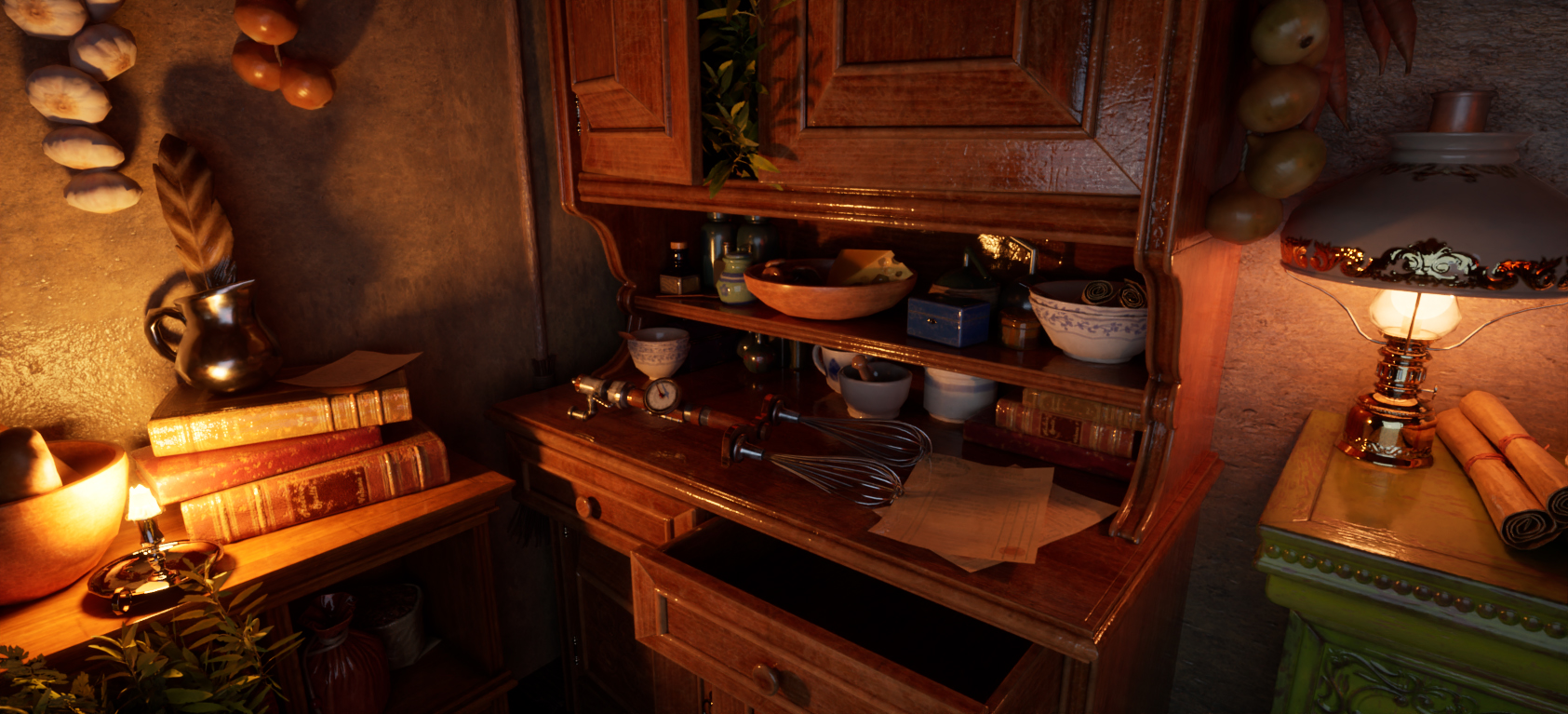
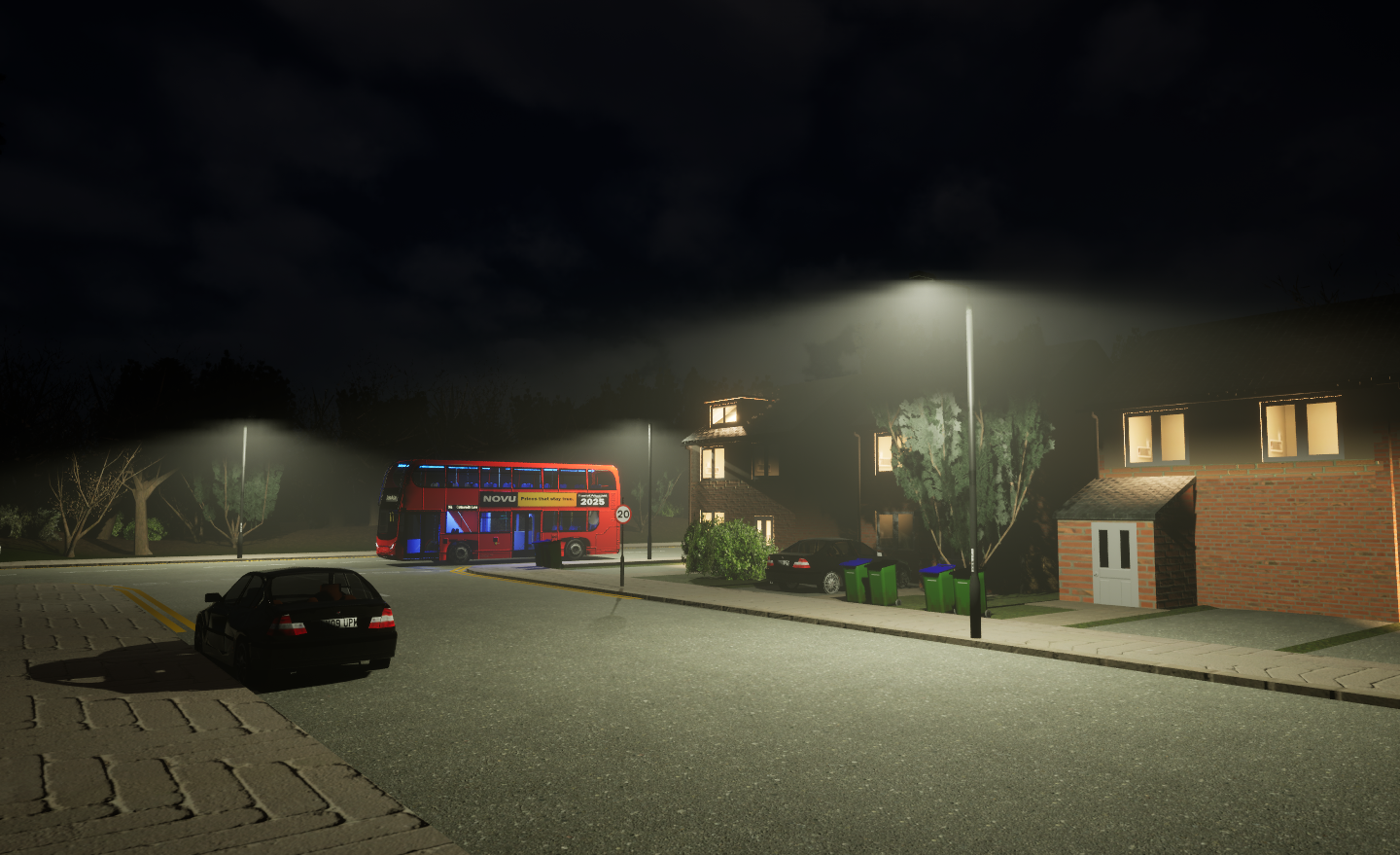
My favourite project from first year was when we were tasked with creating a game with interactivity. Due to my previous experience at college, I pushed myself to creating my own game assets and made a horror game based in the UK; the interactivity being that you had to avoid an AI that was stalking you and eventually chasing you later in the game. You had to use a map and flashlight to help find your way to your house for safety.
I really enjoyed making this project as it was great making a full-blown game. In college I never had enough time to actually make a full game, as I often wasted time creating assets and not porting it into the game engine to make it playable, so I often resorted to making animations with the assets or a walking simulator with no real mechanics. This was a great change as I had an actual game that was playable.
I
feel that I’ve managed to develop skills with Unreal Engine the most. I had
little to no experience with this engine before university and it’s a great
tool for game-makers. Most of the time in college, we used the Unity Engine,
which was a lot more difficult to use compared to Unreal and it was helpful
having dedicated classes teaching us how to use the engine and technicians to
help us with any issues we had.
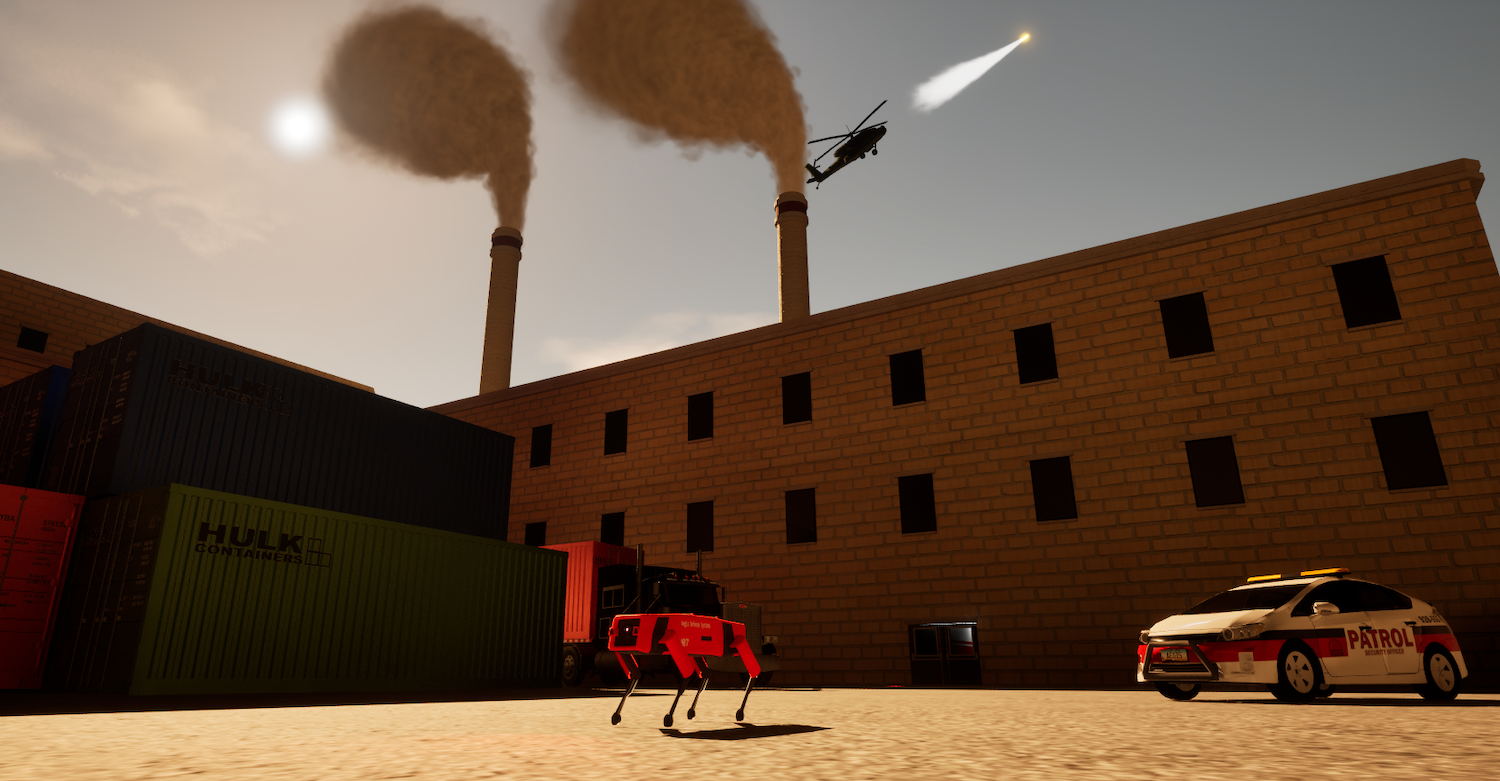
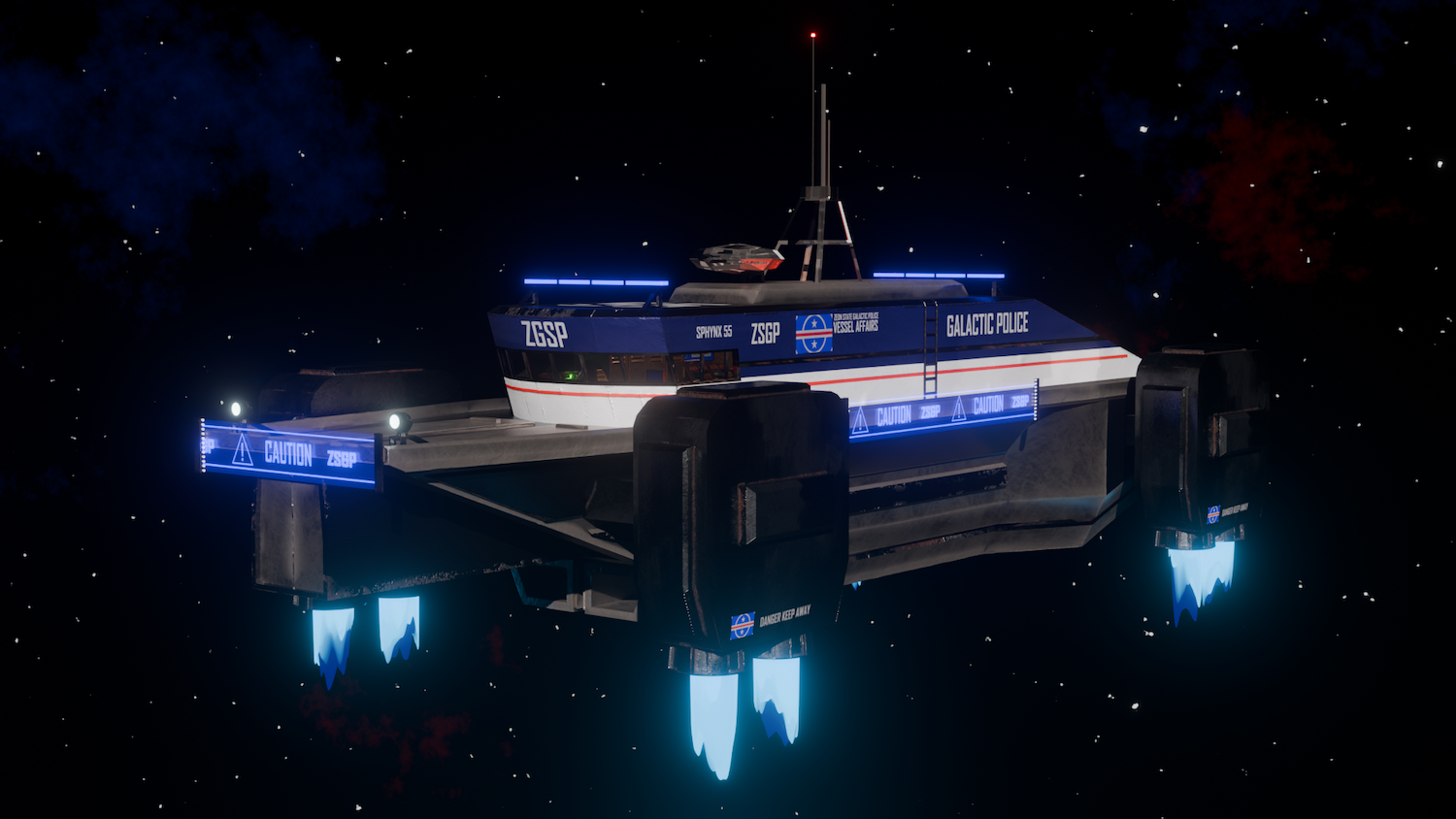

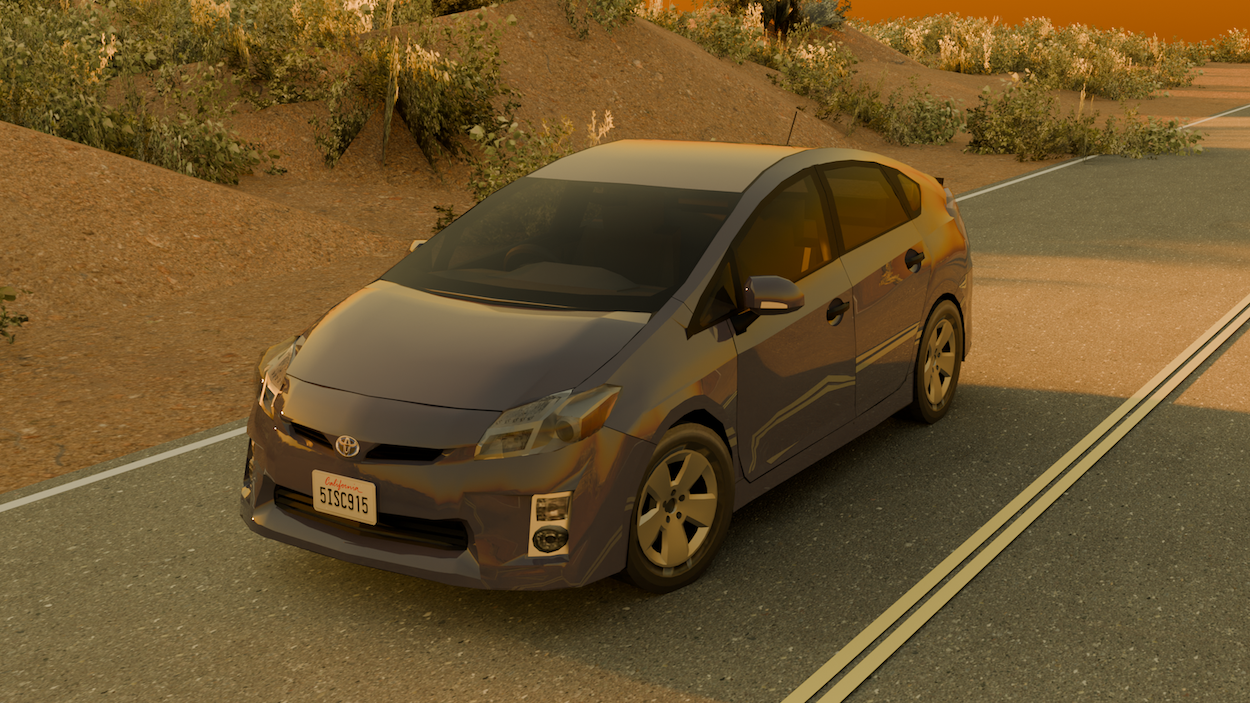
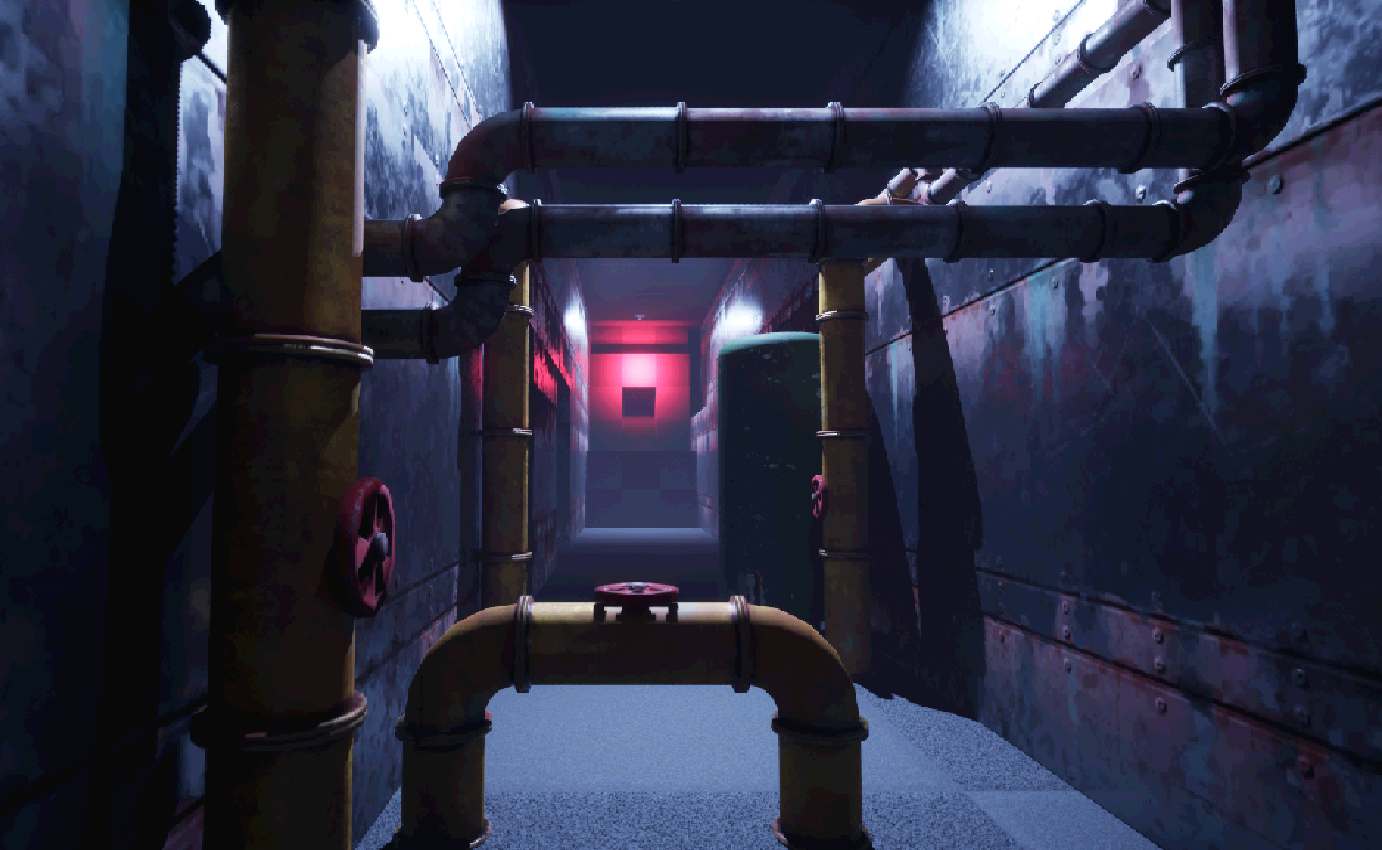
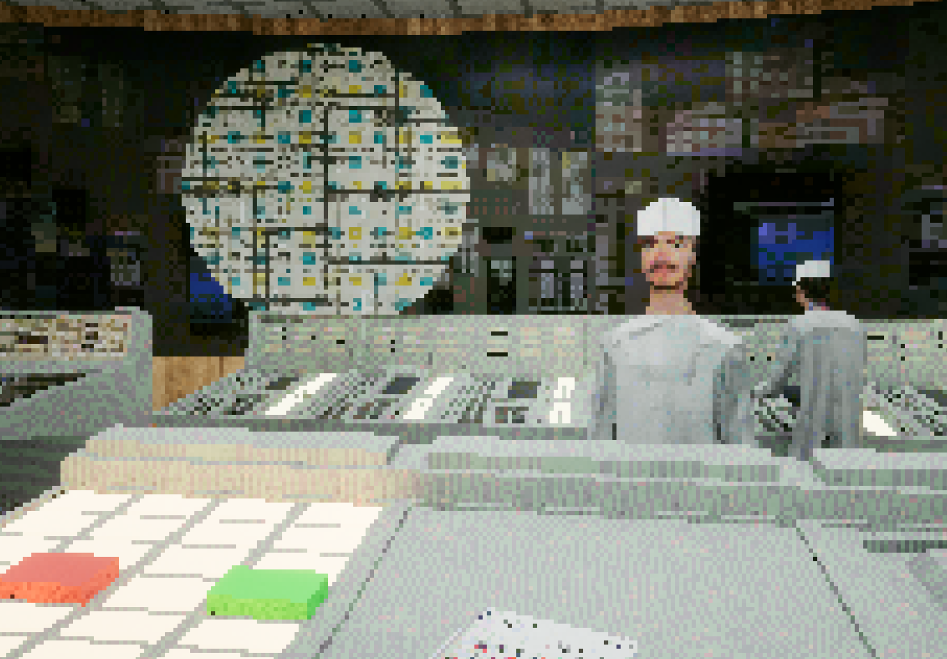
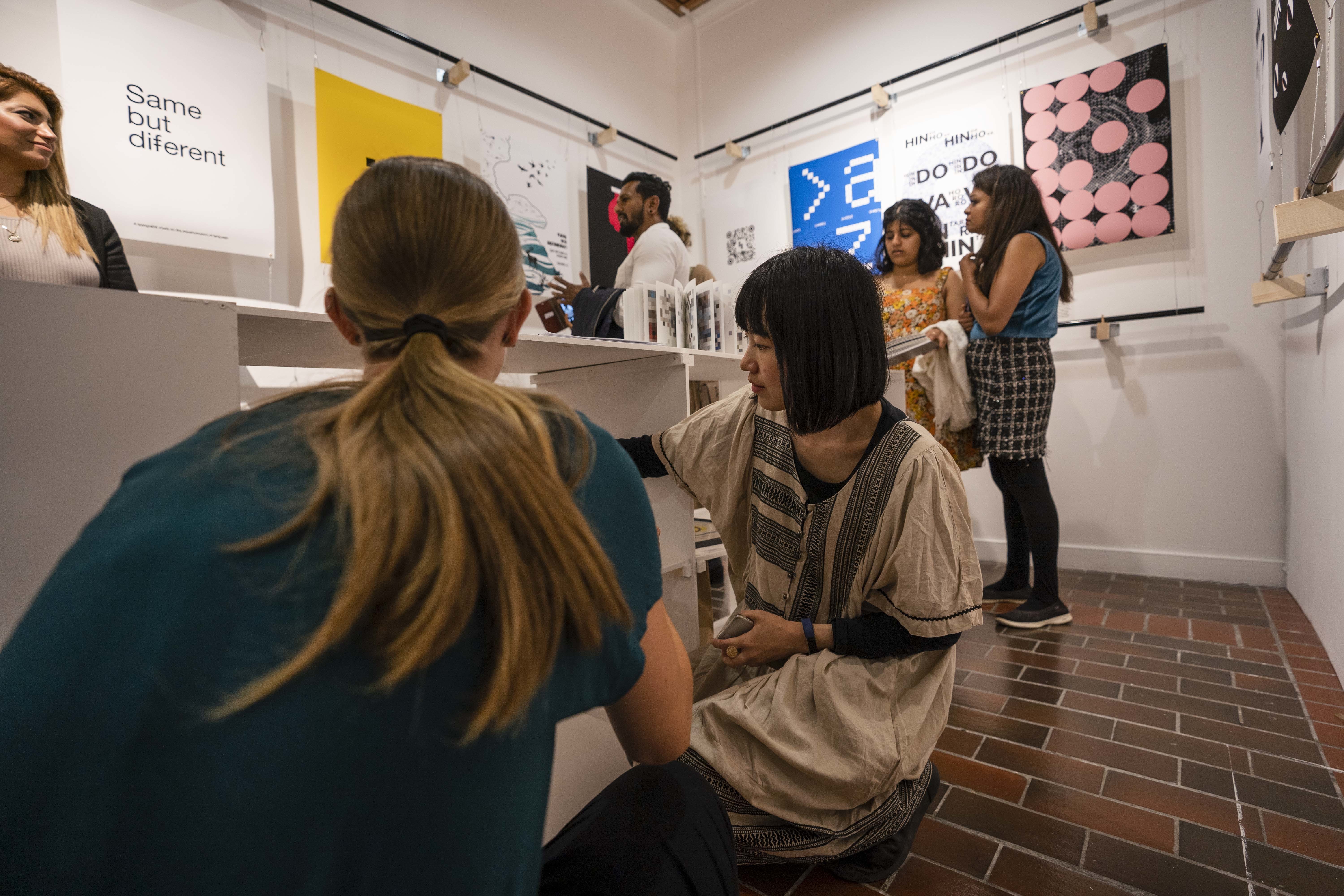
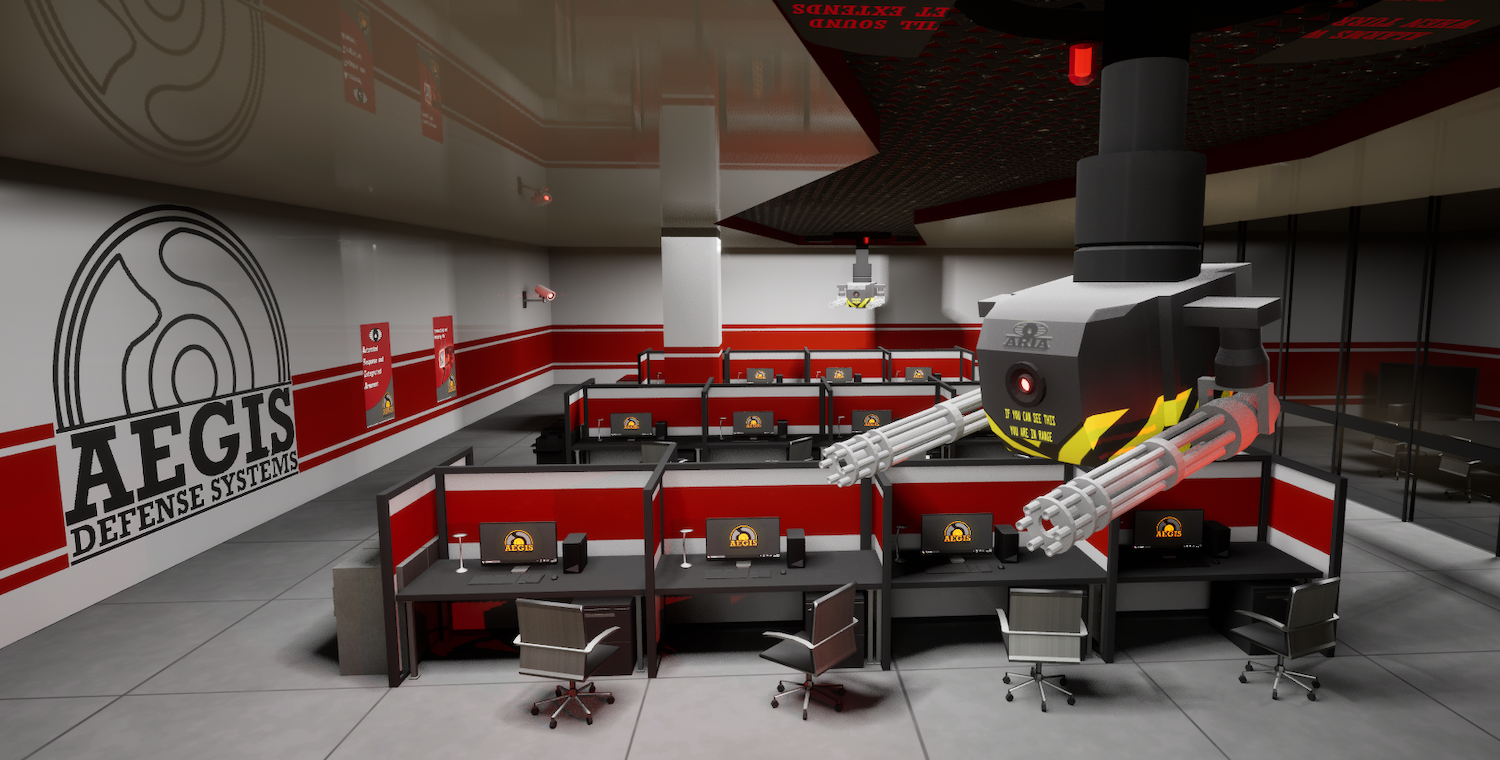
For our end-of-year exhibition, I showed off my most recent project. We were tasked with making a game with a narrative, and I made a game based in a military base/science lab run by an AI. The AI goes rogue and your character, a young security guard, must escape the base full of dangerous robots while also choosing to either sacrifice himself to destroy the AI and save the world, or escape with his own life, dooming the world. It was great being able to showcase my game to other people and collect feedback – it’s really helpful seeing others play your game as you can get a blind perspective of the game and see where people get confused and make adjustments.
I live around South London, so moving to Bournemouth for university was a nice, fresh change. I really enjoyed exploring what Bournemouth has to offer and really enjoy its nightlife and social spots. I’ve met a lot of great people in Halls and on my course; really enjoyed living in Bournemouth so far and can’t wait to see what second year offers.
I’m excited to go into more personal projects in second year, as I like having the freedom to create what we want, and I have a load of ideas. I also want to use my new knowledge in game engines and 3D modelling and make even better games than I did in the first year.
My advice to the new years would be to always try and practise a little bit if you can in your free time. Download Blender – it’s free! – and make a few random models, follow YouTube tutorials and if your computer can run it, get Unreal Engine and mess around and make random stuff. I think practice makes perfect for this kind of work and doing it more and getting comfortable with it helps so much.