
























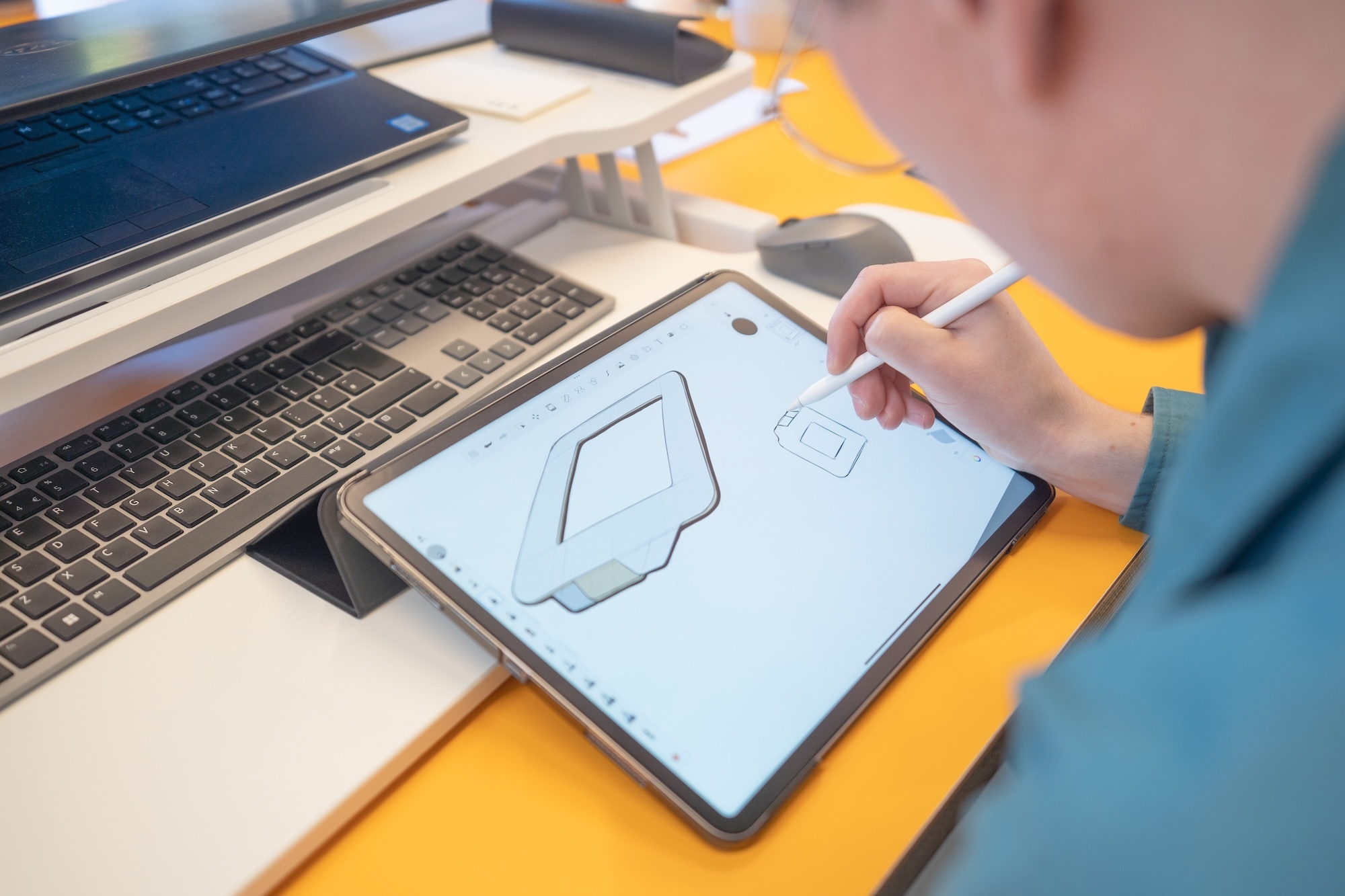











A Wacom tablet is very simple, but extremely helpful, piece of equipment. It is a pen and tablet, which connects to your PC or laptop, allowing you to freehand draw onto digital software like Photoshop even if your device isn’t touchscreen. I first heard about them in Level 4 and got to try one for myself during my month-long work-placement earlier in the year. I really enjoyed working with it and wanted to share with you my reasons why…
Firstly, I found it so much smoother to use than a mouse. Initially, it did take some getting used to, as the Wacom device mirrors your computer screen, so it is a slightly odd thing to get your head around – quite hard to describe too.
However, once I got the hang of it, I found it a lot nicer to draw freehand with than a mouse. It was a lot more natural, like using pen and paper, rather than clunky like how a mouse can be. Also, the pressure sensitivity made it easy to achieve different thickness of line on my design. The pen had great precision so I could trace over scans or draw new motifs with a nice flow and ease.
Moreover, I enjoy using a Wacom tablet as I feel I can be more creative with my shapes. As I find drawing with a mouse quite unnatural, my designs were always slightly limited to the shapes I could make and if I did try to trace curves, they were never very smooth. However, since experiencing a Wacom, I feel my designs have become much better because I can create more intricate shapes, build up colour better with more fine lines and just have a greater sense of control.
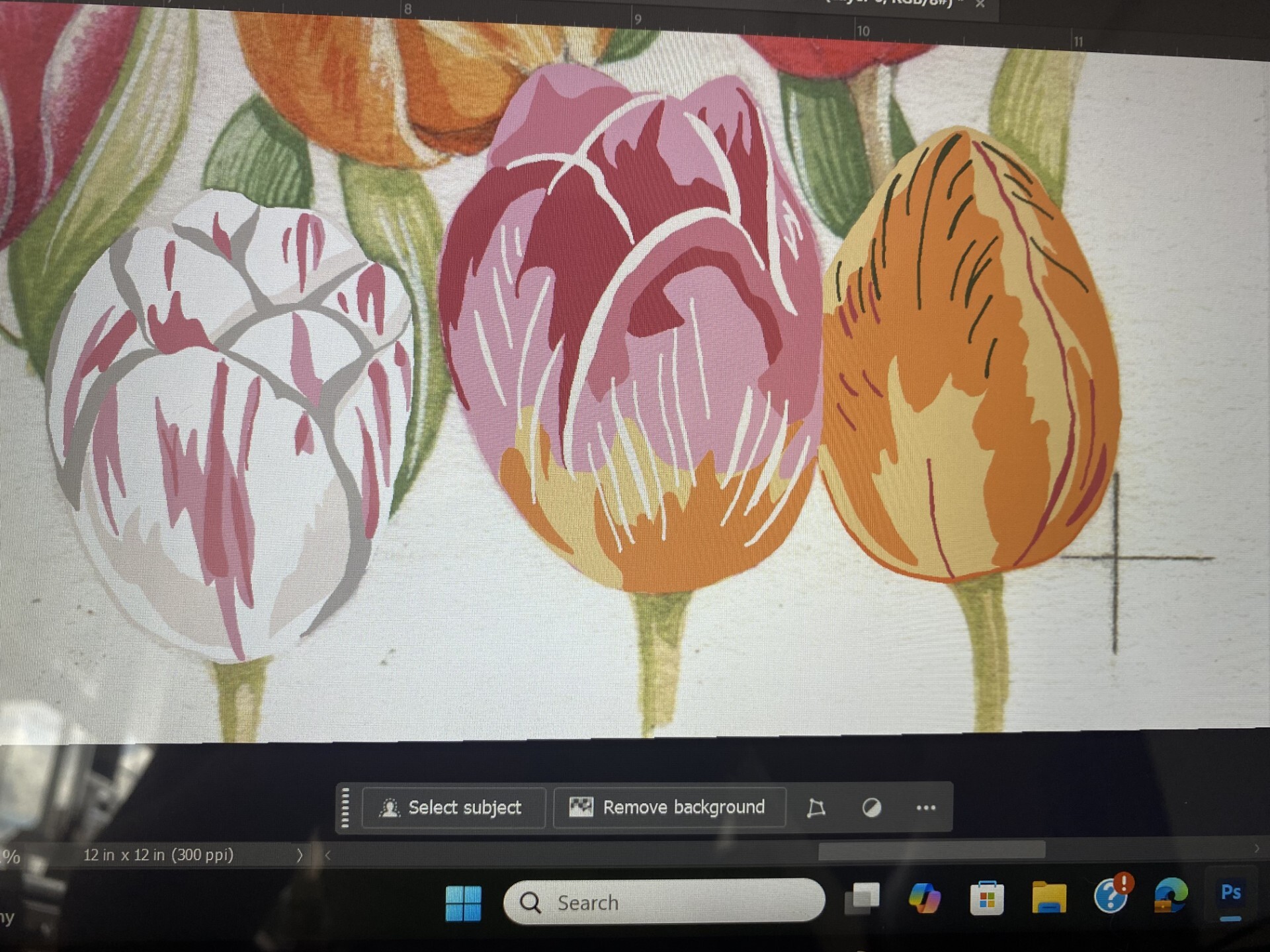
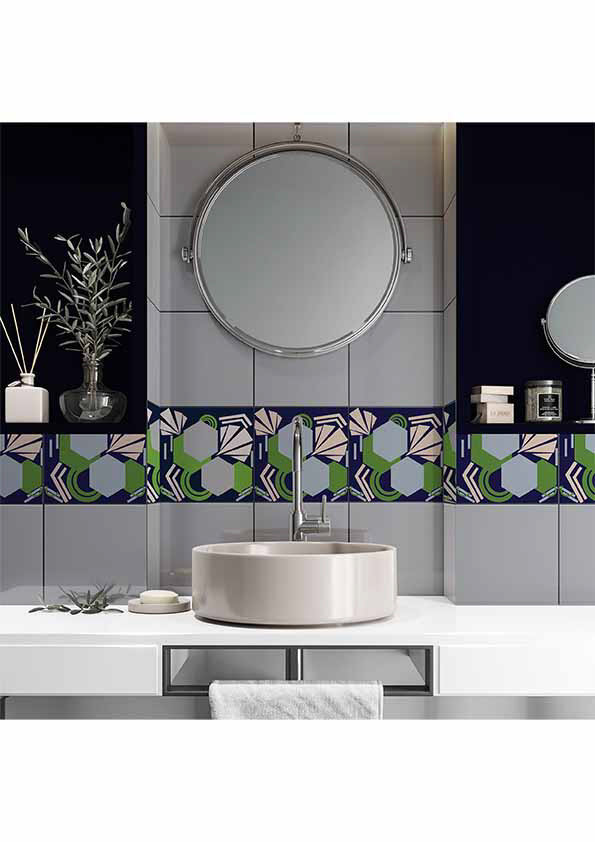
Additionally, because you’re not drawing directly onto your screen, I feel you get to have a slightly more ‘zoomed out’ perspective of your design, which allows you to think about the whole piece, rather than get fixated on one small area, helping the overall design to be cohesive and aesthetic.
Lastly, I really like getting to grips with equipment that’s used in industry. On my placement, everyone in the team used a Wacom and they spoke highly of them. I have also seen them used in other studios that I have visited too; it’s nice being able to practise with the same equipment so I am able to use it confidently when I am in the industry myself.
Overall, I would highly recommend trialling a Wacom if you get the chance. You might be able to hire one out from your course technicians to try before you invest, but a good one isn’t too expensive to buy either, so definitely consider it in the future!