


































You are using an outdated browser. Most of this website should still work, but after upgrading your browser it will look and perform better.
- Home
- Adult learning and short courses
- Publishing and Design
- Adobe Illustrator CC – an Introduction
Adobe Illustrator CC – an Introduction
- Ages: 18+
- Term: Spring
- Length: 10 weeks
Overview
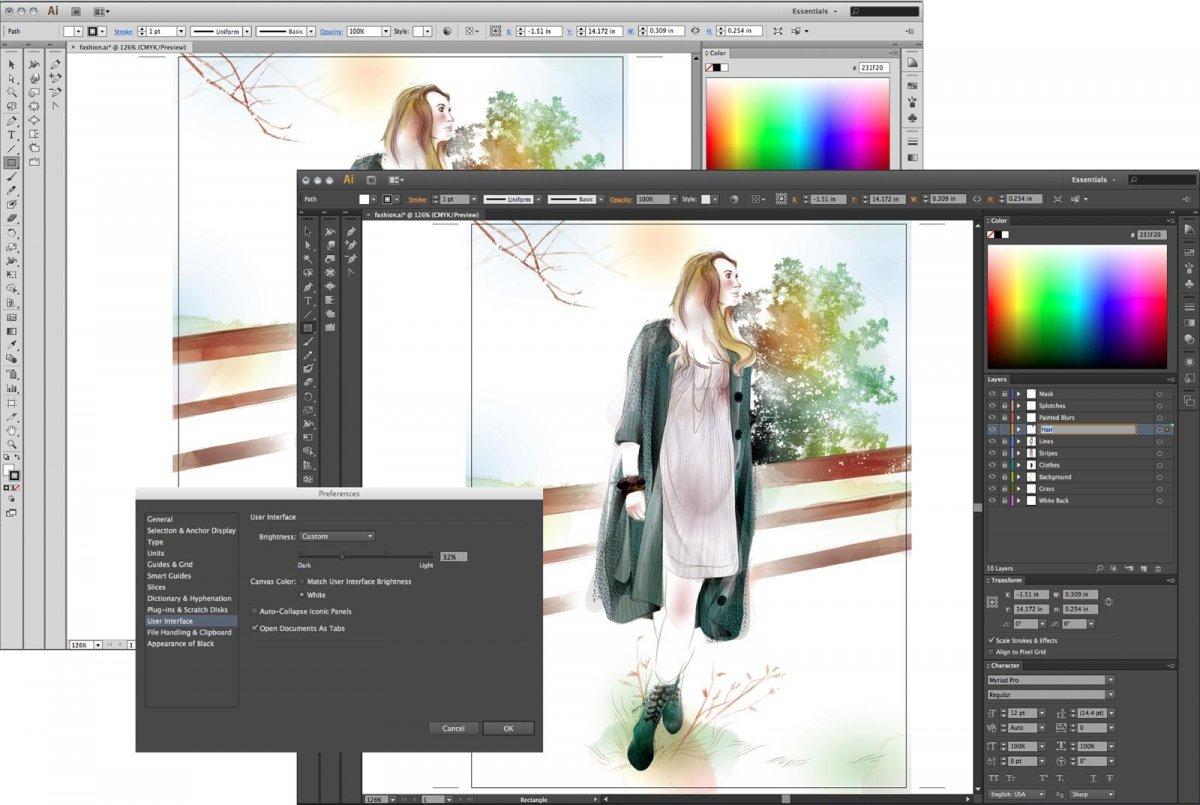
This practical and industry-focused course introduces you to Adobe Illustrator, the leading vector graphics software used by designers, illustrators and creative professionals worldwide.
To book your place today, simply click Book Now to be taken to AUB's secure online store, where you can complete your booking. You can also sign up to our newsletter for short course updates.
Course information
Adobe Illustrator is the essential tool for creating logos, icons, branding, packaging, digital graphics, posters and scalable artwork. Whether you’re an aspiring designer, small business owner, marketer or creative enthusiast, this course will give you the technical skills and creative confidence to produce professional-quality vector artwork.
Through hands-on workshops and guided projects, you’ll learn how to create precise, scalable graphics using shapes, paths and drawing tools. You’ll explore colour, composition and typography while developing a strong understanding of how vector design differs from raster-based software.
As the course progresses, you’ll work on a range of practical design tasks – from logo creation and icon design to illustration and layout elements – building a portfolio of work that demonstrates both technical control and creative flair.
By the end of the course, you’ll feel confident navigating Illustrator’s workspace, producing clean, professional vector graphics, and preparing artwork correctly for both print and digital use.
- Introduction to Adobe Illustrator interface and workspace
- Understanding vector graphics and how they differ from raster images
- Creating and editing shapes, paths and anchor points
- Using the Pen Tool with confidence
- Working with colour, swatches and gradients
- Typography in Illustrator
- Logo and icon design principles
- Layers, artboards and file organisation
- Using brushes, patterns and effects
- Preparing artwork for print and digital export
- Industry workflow tips and best practice
Timetable
- Week 1: Introduction. We discuss Adobe Illustrator, what it's used for commercially, understanding vector vs. raster. Workspace overview and introduction to the basics of the user experiences. Creating a simple icon using basic tools.
- Week 2: Build on the basics, learning more about combining and editing shapes to create more complex icons and illustration. Introduction to Path Finder, Shape Builder, Pen and Pencil tools. Discussion about existing designs and how they could have been created, starting to see shapes from other objects. Design a more complex set of icons using more complex tools and techniques.
- Week 3: Working with colour. Introduction to applying colour, creating basic colour palettes and gradients. Explore fill vs. strokes, expanding artwork, gradients, CMYK vs. RGB, etc.; how colour changes tone of voice, saving swatches and print rules.
- Week 4: Learn about logo creation. Longer walkthrough using a combination of all skills covered so far, while introducing new tools, the roughen effect and why we use it. Image trace vs. building in Adobe Illustrator, and see the benefits/drawbacks of both.
- Week 5: Working with type. Introduction to how to work with type in Adobe Illustrator. Work together to create a poster that heavily features text. Discussion of terms like kerning, leading, tracking, line breaks and other typography terms; explore how these translate to Adobe Illustrator. Create your own composition with the new skills covered.
- Week 6: Illustration with reference and pattern design. Explore using images as reference to create illustrations with the Pen tool. Create fruit illustration and use repeat pattern tool.
- Week 7: Explore pre-loaded and downloadable brushes. Brush tools overview – how to open and apply brushes to strokes. Where to download new brush effects, illustrators who use them in their work. Create your own illustration using skills covered so far, applying a chosen brush.
- Weeks 8–9: Design project, set brief
- Week 10: Wrap-up including best practices for saving, exporting and transferring files. Place work in mock-ups. You'll share what you've been working on.
At the end of the course:
- Confidently navigate and use Adobe Illustrator
- Create clean, scalable vector graphics
- Apply colour, typography and layout principles effectively
- Prepare professional artwork suitable for print and digital format.
- Understand logo, branding and graphic design principles
- Be able to prepare files correctly for print and digital output
- Possess improved artistic skills
- Have increased confidence in your own skills and feel inspired
- Have boosted creativity and imagination
- Possess the foundations to continue creating beyond this course
You can request a certificate to confirm your achievements, providing you've a 100% attendance record. To request a certificate please get in touch with us at academy@aub.ac.uk and confirm your name and the title of course you've completed.
Will I be assessed?
No, there's no formal assessment. As the course progresses your tutor will measure your overall performance and offer essential guidance and feedback, so you know how you're getting on.
What you need to know
Spring term 2027
Thursday 14 January – 18 March 2027 (10 Thursday evenings, 18.00–21.00)
Age
Suitable for adults aged 18+.
Level
This is an introductory course - no previous experience with Adobe Illustrator is required.
Experience or qualifications required
Basic computer literacy is recommended. This course is suitable for complete beginners, as well as those wishing to refresh and strengthen existing skills.
If you'd like to discuss if this course is suitable for you, get in touch with us: academy@aub.ac.uk or 01202 363222.
£375
Any additional costs
Access to Adobe Illustrator outside of class is beneficial but not essential. Your tutor will provide guidance during the first session regarding software access if needed.
Additional materials and resources will be provided by AUB and is included in your course fee.
- USB flash drive (16 GB recommended)
- Notebook and pens/pencils to take notes
Suggested Suppliers
Information about resourcing specialist materials/consumables that you may need to bring these with you

AUB Academy FAQs – Evening and Weekend and Saturday Art School
If you have any questions about our Evening and Saturday Short Courses, you may find the answers in here.
AUB Academy booking T&Cs
Please read our Terms and Conditions carefully before booking onto our Evening and Weekend courses.
Meet your tutor

Emily Melling
Emily is a Graphic Designer and AUB graduate with a BA in Visual Communication.
Book your place today
Book nowBeyond the course
This could just be the start of your creative journey! After this course, you could look to the future and explore our creative qualifications that can prepare you to further your current career, enable you to retrain to an alternative career path or prepare you for future creative arts studies.
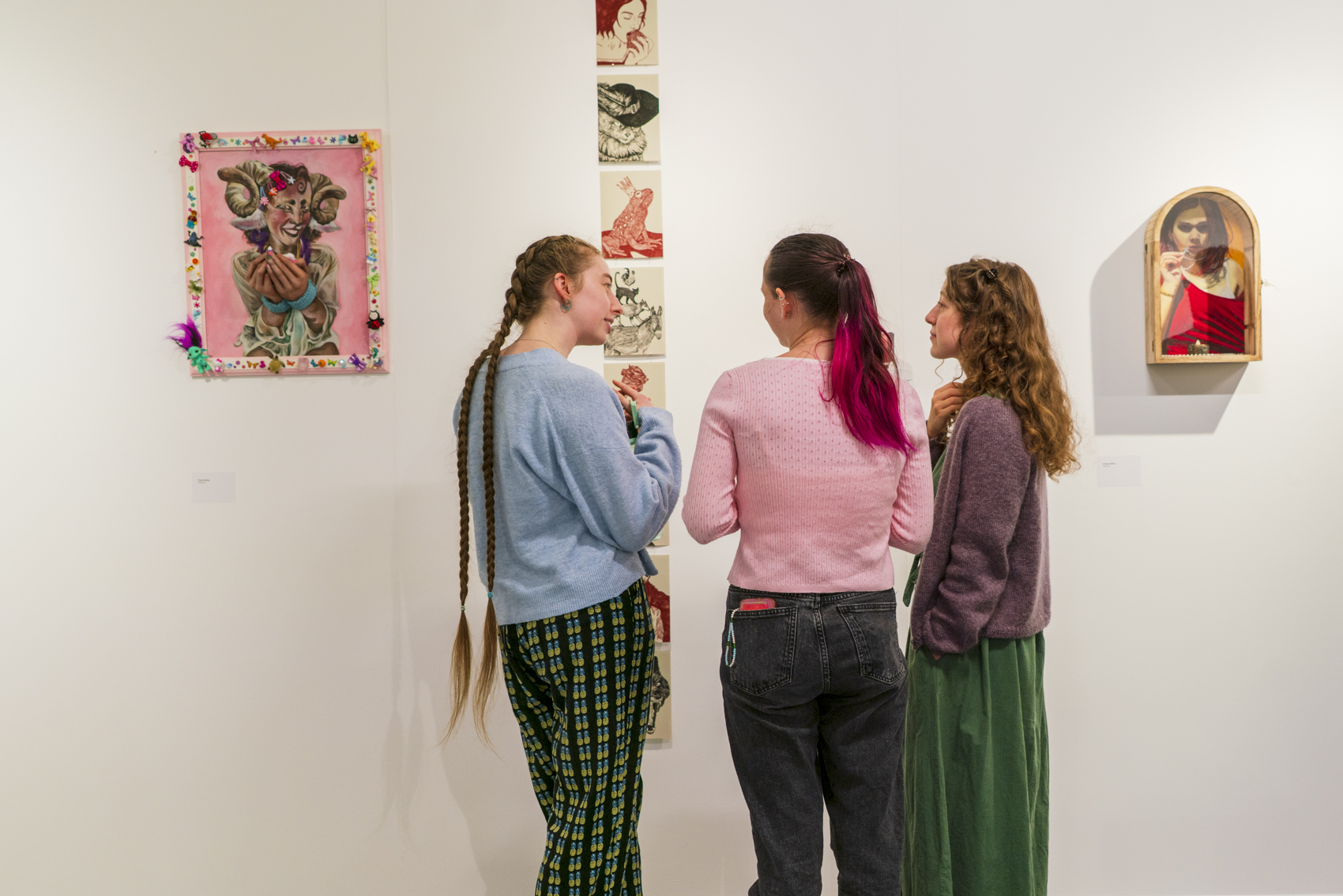
Foundation Diploma in Art and Design
Study a Foundation Diploma in Art and Design at Arts University Bournemouth. Find out about the course, fees, how to apply, and more...
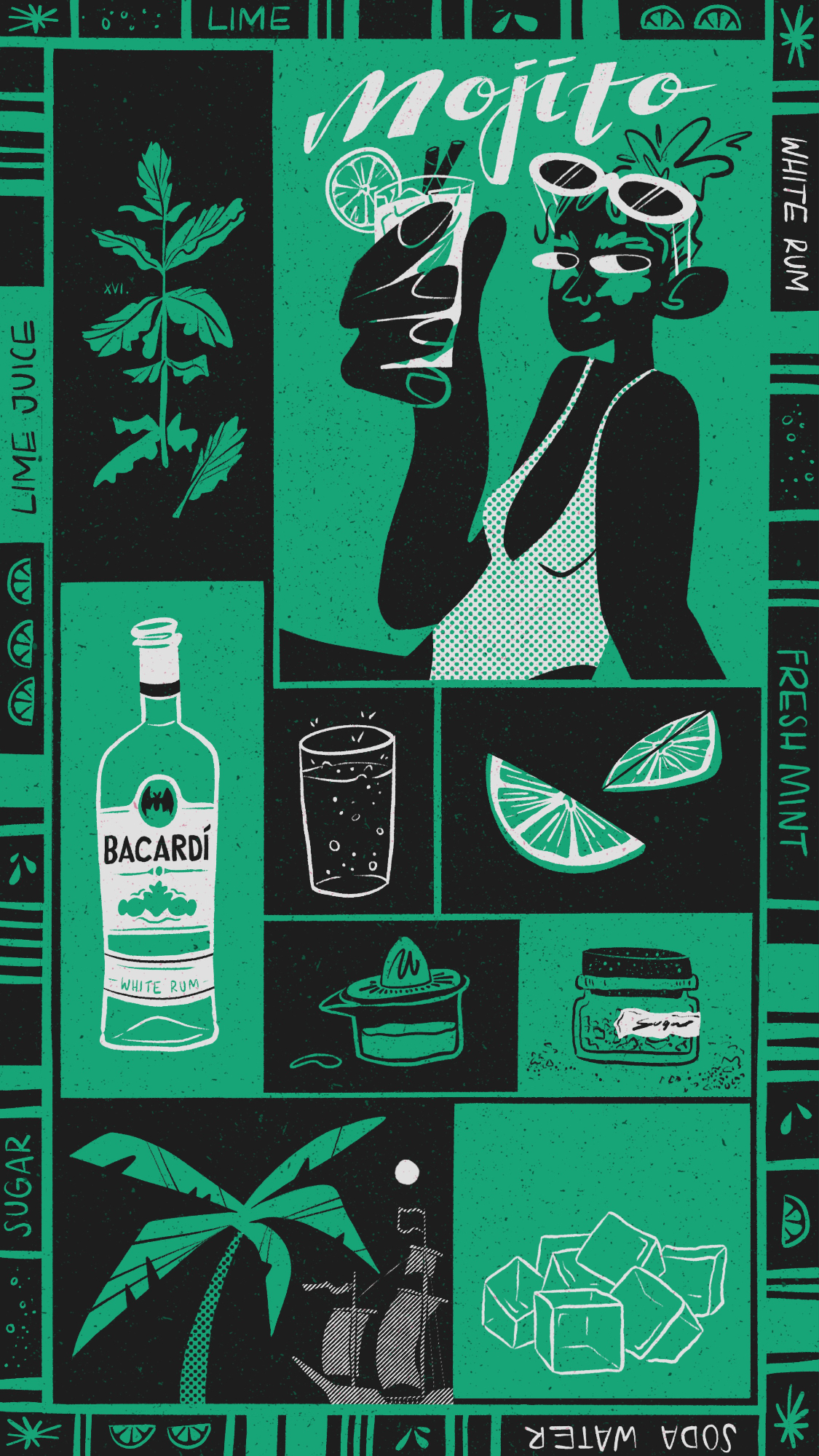
BA (Hons) Illustration
Study Illustration at Arts University Bournemouth. Find out about the course, fees, how to apply, and Open Days.
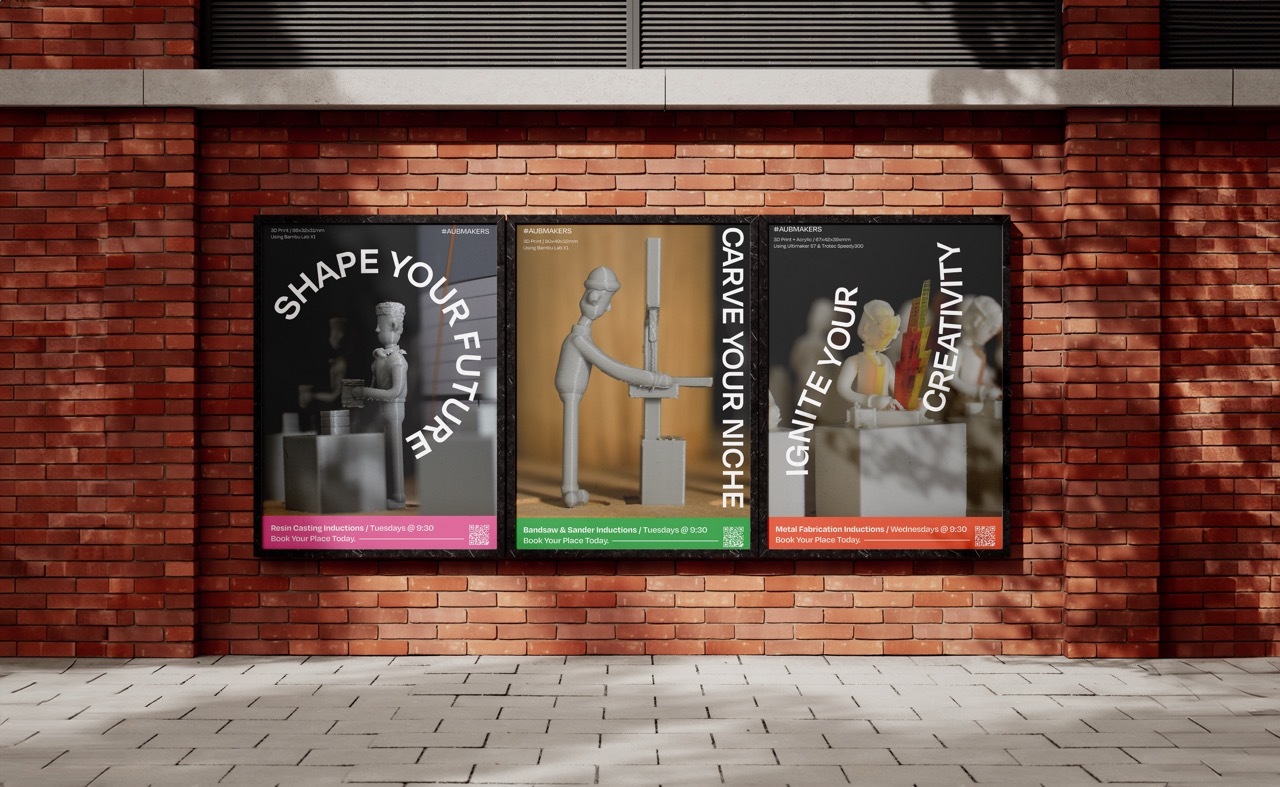
Integrated Foundation Year
At Arts University Bournemouth, you’ll have the option to undertake a specialised Foundation year in a subject area you’re interested in...
More information about evening and weekend courses
Why choose AUB for your short course?
We're a first-choice provider of art and design short courses for anyone wishing to engage in art and design subjects in their spare time.
Reasons to study a short course
There are plenty of reasons to consider studying a creative short course. Perhaps you want to retrain, learn new skills, or just have fun...

How to book
Looking to book onto one of our Evening and Saturday courses? You’ll find everything you need to book your place here.