



You are using an outdated browser. Most of this website should still work, but after upgrading your browser it will look and perform better.
- Home
- Adult learning and short courses
- 3D Design, Modelmaking and Animation
- Blender 3D Creation Suite – an Introduct...
Blender 3D Creation Suite – an Introduction
- Ages: 18+
- Term: Autumn
- Length: 10 weeks
Overview
Immerse yourself in the world of 3D modelling with this dynamic introductory course using Blender, one of the most powerful and widely used open-source 3D design software packages available today.
To book your place today, simply click Book Now to be taken to AUB's secure online store, where you can complete your booking. You can also sign up to our newsletter for short course updates.
About this course
Whether you’re completely new to 3D or looking to explore digital creation for the first time, this course will guide you step-by-step into an exciting new creative discipline.
You’ll learn how to create 3D models, apply lighting and textures, sculpt forms, and produce both still images and animations suitable for use across a range of creative industries. From concept to render, you’ll gain practical experience in bringing your ideas into three dimensions.
This cutting-edge course provides a comprehensive introduction to Blender, covering topics such as navigating the user interface, understanding topology, 3D mesh modelling, modifiers, shaders, rigging and animation. You’ll also explore rendering techniques and gain insight into how 3D work is used professionally across industries including architecture, games, animation and product visualisation.
Highly practical and hands-on, the course introduces essential tools and workflows while helping you understand the technical foundations behind what you create. Developing this deeper understanding is key to building strong problem-solving skills – an essential attribute for any 3D artist.
Your tutor will guide you through demonstrations, structured exercises and creative challenges, providing both technical knowledge and supporting theory. You’ll be encouraged to experiment, explore and begin shaping your own individual projects.
Whether you’re looking to expand your portfolio, gain a competitive edge, explore career possibilities or simply discover a new creative outlet, this course opens the door to the boundless possibilities of 3D design.
The course is structured to give you increasing creative freedom as your confidence grows. Alongside demonstrations, practical tasks and theory, your tutor will help you establish an individual development plan to support your future Blender projects beyond the course.
- How to use Blender as a beginner without feeling overwhelmed
- Introduction to industry-standard Wacom drawing tablets
- Insight into industries using Blender (architecture, 3D printing, games, animation and more)
- Research skills and working effectively with visual references
- Developing a creative mindset and consistent making habits
- Understanding production pipelines and professional workflows
- Tutor-provided Blender files and assignments
- Additional resources for texturing and shading
- Modelling techniques including box modelling, polygon modelling, NURBS and curves, sculpting, booleans and procedural modelling
- Mid-session assignments to practise and reinforce skills
- Guidance on applying your skills professionally and advice on career progression using Blender
Timetable
- Week 1 – Introduction to the UI. Box modelling a simple head and shoulders figure.
- Week 2 – Introduction to materials, camera and lighting setup.
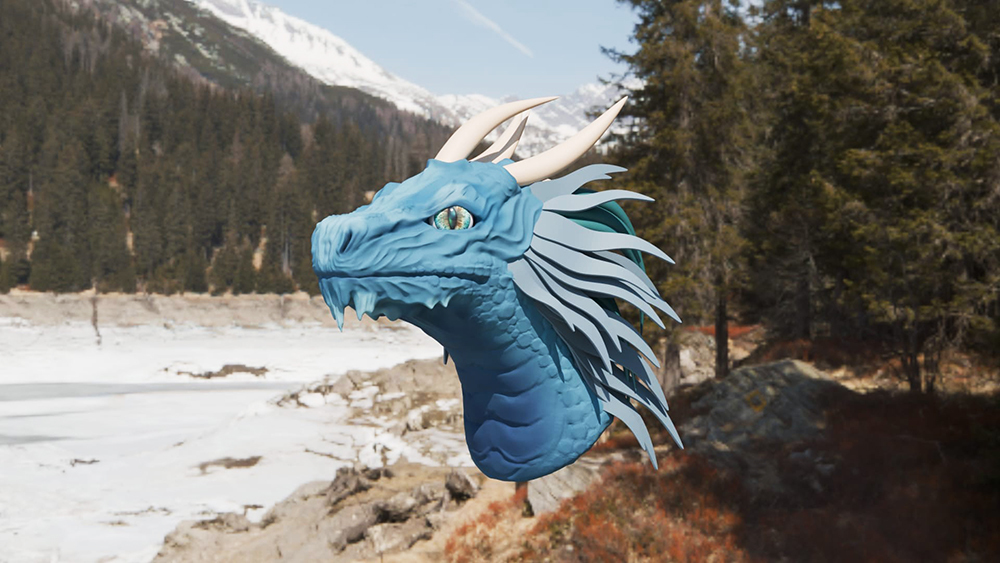
- Week 3 – Learning how to sculpt a simple monster in Blender, using a reference, and symmetry.
- Week 4 – Creating a potion, and learning photorealistic glass and liquid. Also, an introduction to using cycles.
- Week 5 – Learning how to animate using keyframes, including animating the camera, and using cloth physics to animate a ghost.
- Week 6 – Introduction to rigging, and creating a character to do a basic walk loop sequence.
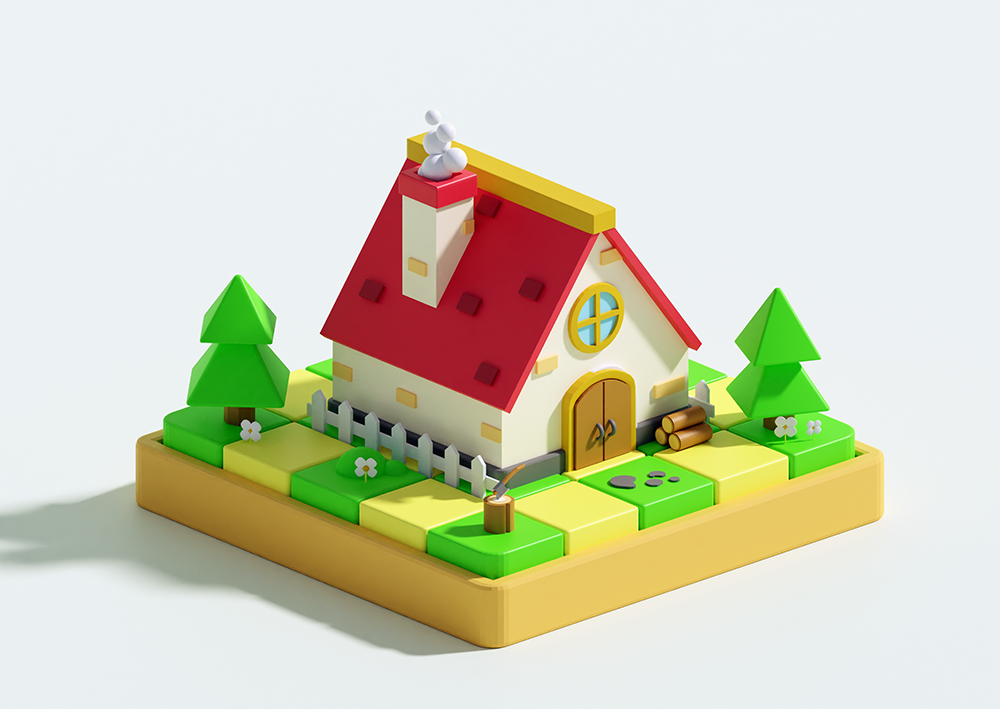
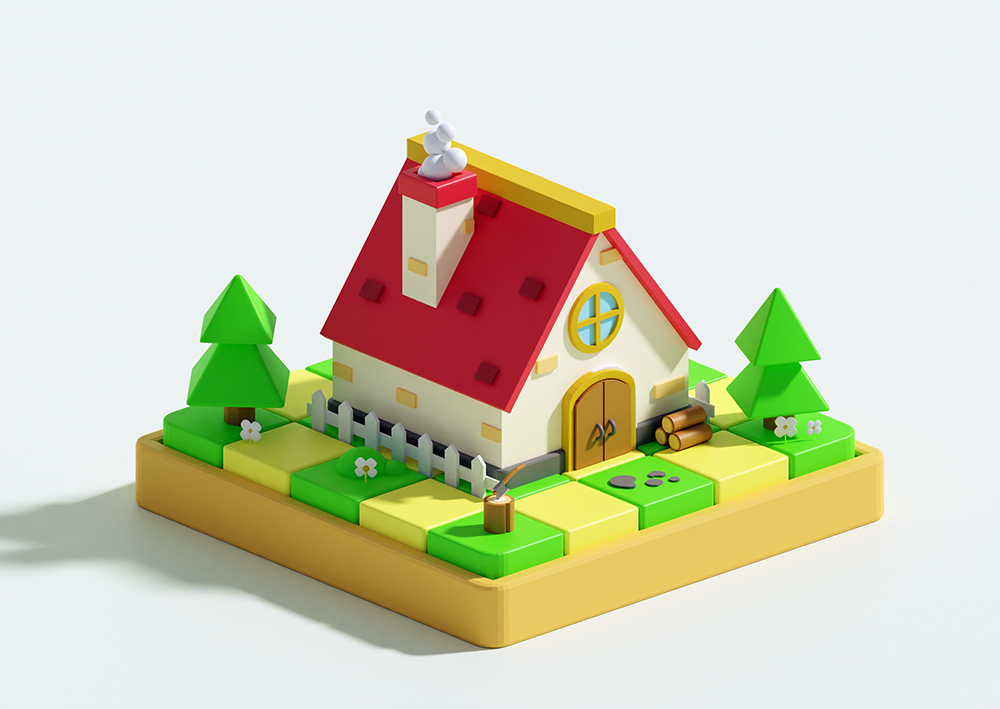
- Week 7 – Modelling a house project using poly-modelling skills.
- Week 8 – You'll pitch an independent project using your favourite newly acquired skills, which will be set up for the last part of the course.
- Week 9 – You'll be given time to work on your independent project, with one-to-one guidance so it can go towards your 3D portfolio.
- Week 10 – With tutor guidance, you'll finalise your project, create a professional portfolio (and optional showreel) and receive summative feedback.
At the end of the course you'll:
- Have a comprehensive overview and hands-on experience working with Blender
- Have a foundational understanding of key tools, workflows and creative possibilities
- Have greater clarity about which areas of 3D modelling you wish to pursue
- Possess improved artistic skills
- Have increased confidence in your own skills and feel inspired
- Have boosted creativity and imagination
- Possess the foundations to continue creating beyond this course
You can request a certificate to confirm your achievements, providing you've a 100% attendance record. To request a certificate please get in touch with us at academy@aub.ac.uk and confirm your name and the title of course you've completed.
Will I be assessed?
No, there's no formal assessment. As the course progresses, your tutor will measure your overall performance and offer essential guidance and feedback so you know how you're getting on.
What you need to know
Autumn term 2026
Wednesday 7 October – 9 December 2026 (10 Wednesday evenings, 18.00–21.00)
Age
Suitable for adults aged 18+.
Level
Beginners or anyone with some experience who want to refresh or develop their skills further.
Experience or qualifications required
None – this is an introductory course. We have no formal academic entry requirements for our short courses.
If you'd like to discuss if this course is suitable for you, get in touch with us: academy@aub.ac.uk or 01202 363222.
£375
Any additional costs
You’ll need to provide your own USB flash drive. This’ll incur an additional cost if you need to purchase one for the course. See the 'What to bring to class' section below for full details. We strongly recommend arranging access to Blender at home to practise between sessions and consolidate your learning.
Course materials included in the price
Any additional materials and resources not listed below will be provided by AUB.
- Notebook for recording notes, goals and processes
- USB memory device
You're welcome to bring your own laptop; please ensure you have downloaded and installed Blender before you arrive for your first session. Please refer to the minimum operating requirements on Blender's website before installing.
We recommend arranging private access to the Blender program at home to greatly support the learning experience between sessions to practise your new skills.
Suggested Suppliers
Information about resourcing specialist materials/consumables that you may need to bring these with you
AUB Academy FAQs – Evening and Weekend and Saturday Art School
If you have any questions about our Evening and Saturday Short Courses, you may find the answers in here.
AUB Academy booking T&Cs
Please read our Terms and Conditions carefully before booking onto our Evening and Weekend courses.
Meet your tutor
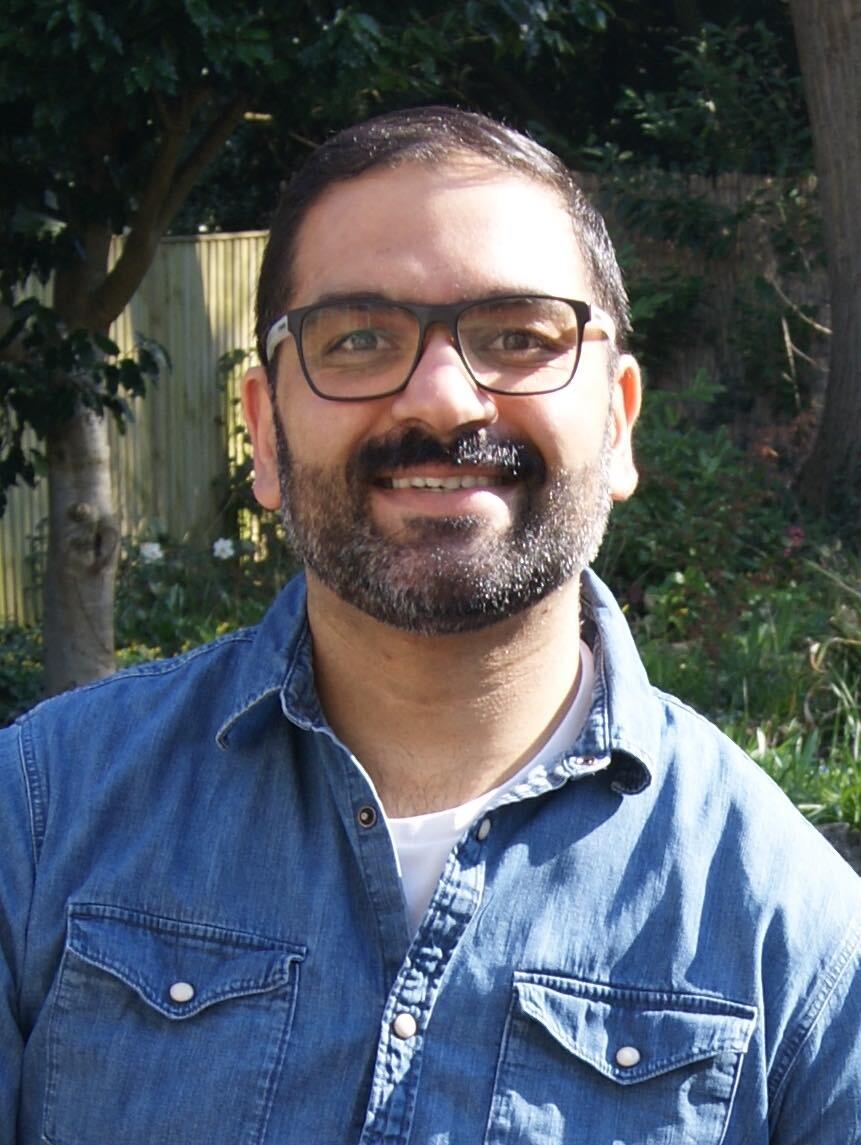
Kuch Bhogal
Kuch Bhogal is an interdisciplinary artist with a background in illustration, painting...
Book your place today
Book nowBlender gallery
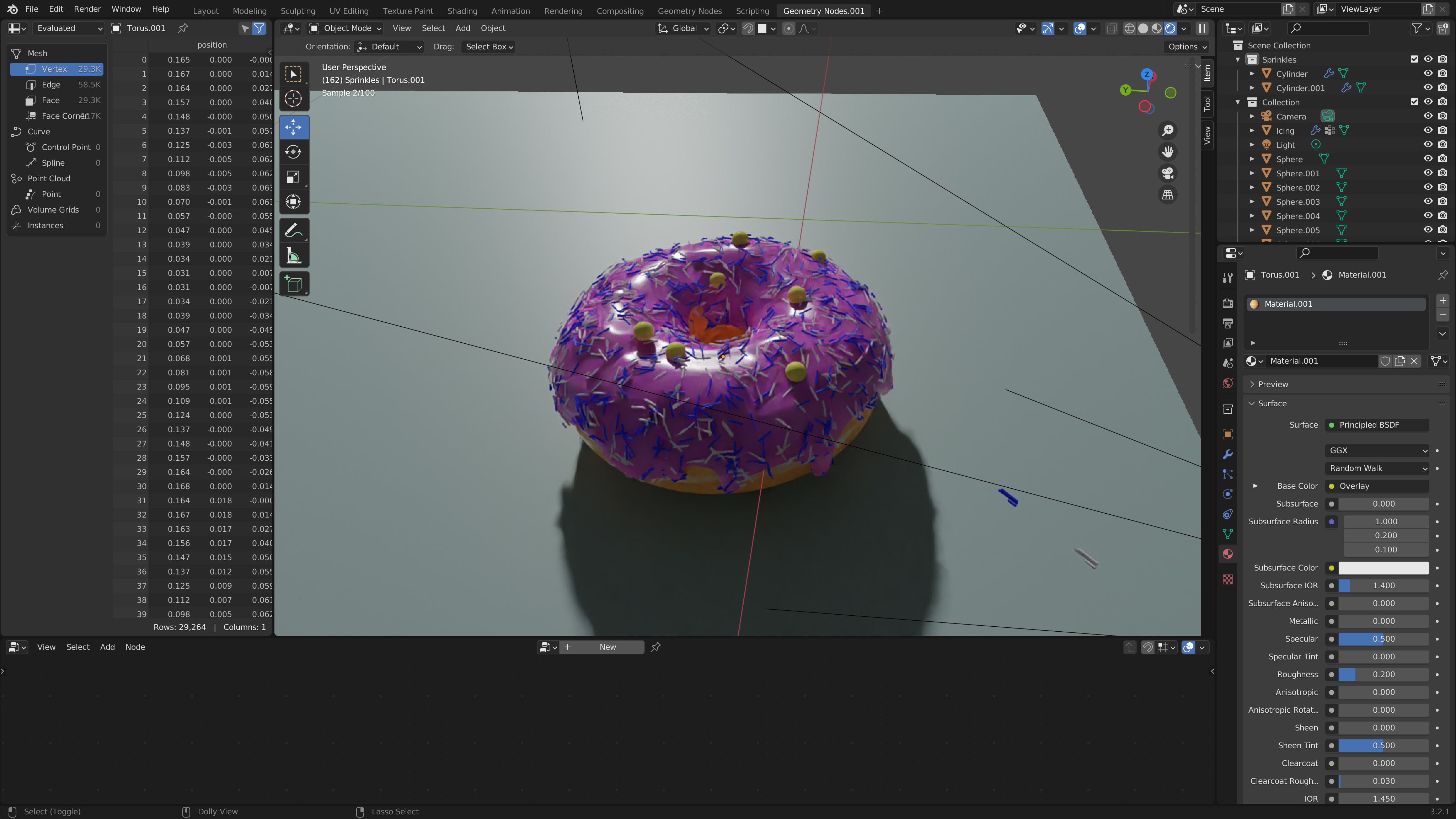
What our students say
Beyond the course
This could just be the start of your creative journey! After this course, you could further your 3D skills with another short course or look to the future and explore our creative qualifications that can prepare you to further your current career, enable you to retrain to an alternative career path or prepare you for future creative arts studies.
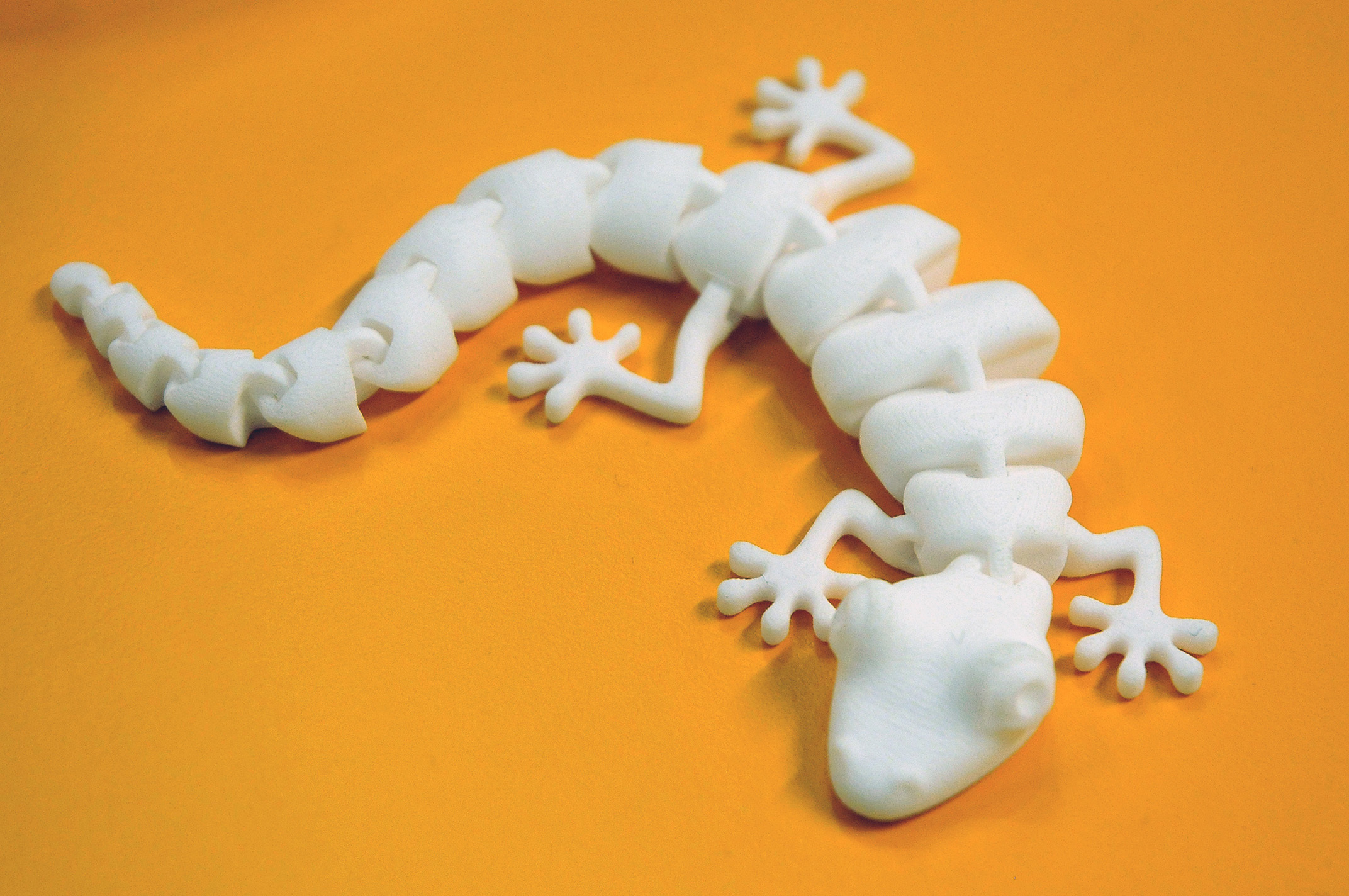
Designing for 3D Printing using Blender
On this exciting 10-week course, you'll transform your ideas from simple concepts into fully realised, 3D print-ready designs...
Foundation Diploma in Art and Design
Study a Foundation Diploma in Art and Design at Arts University Bournemouth. Find out about the course, fees, how to apply, and more...
BA (Hons) Games Art and Design
Study Games Art and Design at Arts University Bournemouth. Find out about the course, fees, how to apply, and Open Days...
More information about evening and weekend courses
Why choose AUB for your short course?
We're a first-choice provider of art and design short courses for anyone wishing to engage in art and design subjects in their spare time.
Reasons to study a short course
There are plenty of reasons to consider studying a creative short course. Perhaps you want to retrain, learn new skills, or just have fun...
How to book
Looking to book onto one of our Evening and Saturday courses? You’ll find everything you need to book your place here.