Overview
We’re delighted for you to join us at AUB – we can’t wait to see what you’ll create.












If you feel like one of our creative courses is the right fit for you, you can start making your application.
Visit our campus and see creativity in action.
Experience a campus built for creativity and collaboration.
You are using an outdated browser. Most of this website should still work, but after upgrading your browser it will look and perform better.
We're delighted that you've chosen to join our creative community at Arts University Bournemouth. We can't wait to see what you'll create.
This welcome pack is designed to give you an idea of what to expect during the first weeks of your course. Please take the time to read it carefully and take particular note of the pre-course preparation. We hope that you'll enjoy a happy and productive time with us, and we look forward to meeting you in October.
Congratulations on joining the BA (Hons) Animation Production course at Arts University Bournemouth. You have an exciting time ahead of you.
The staff and students look forward to welcoming you onto the course. You'll find all the information in this pack that will allow you to prepare for the course.
We hope you enjoy the summer holiday period and that you'll be feeling refreshed and ready to start.
– BA (Hons) Animation Production team
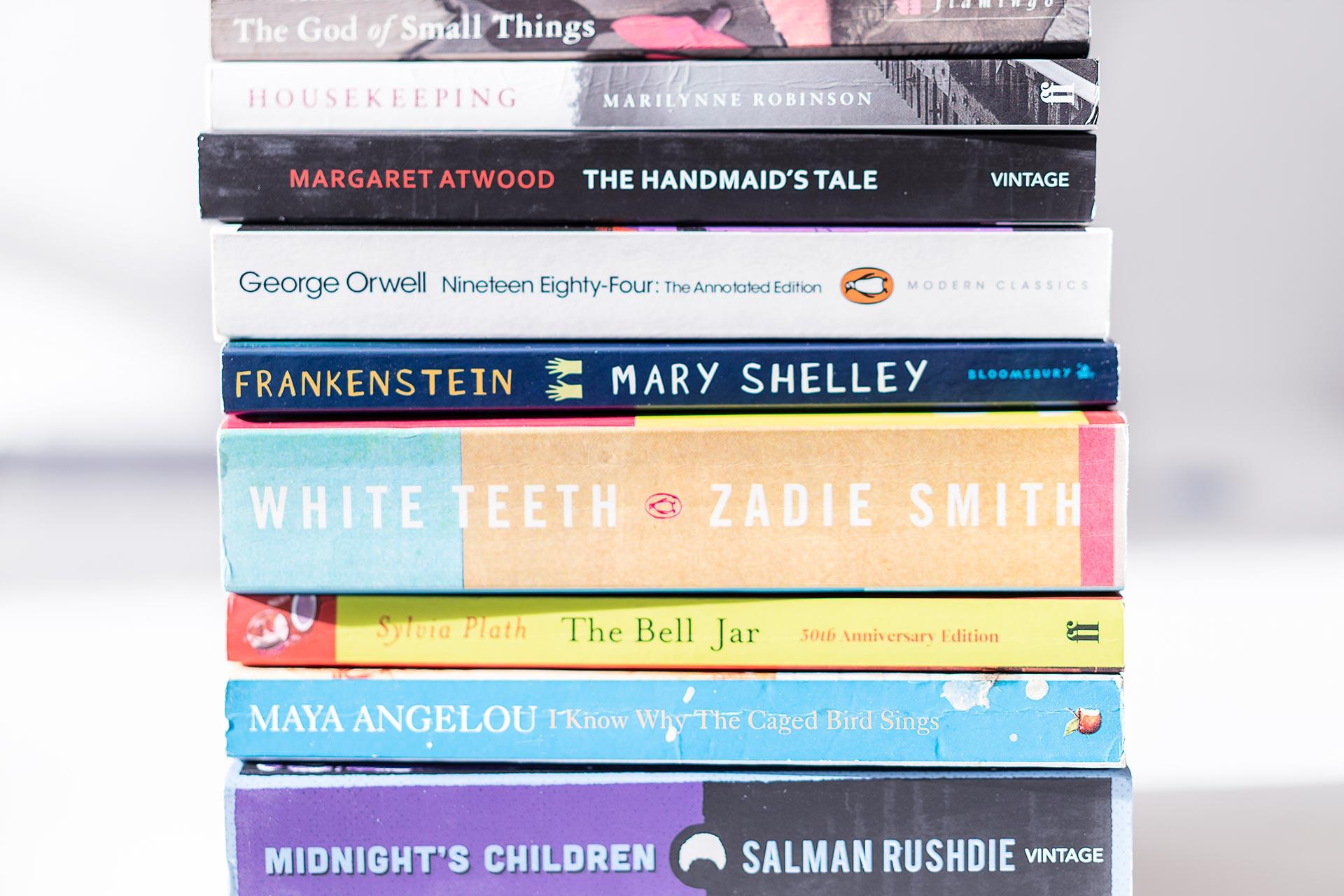
The Library at AUB is extremely well resourced and includes all key texts that you'll need. When starting the course, where appropriate, reading lists will be provided and you'll be shown how to access the resources. If you're feeling adventurous, here's a selection of key ebooks that you can find on the library catalogue and view online.
When you receive your AUB e-mail address and password you can use them to access the Library online collections.
The following books aren't available as ebooks, but can be viewed at the Library once you're on campus.
There is no summer project for this course.
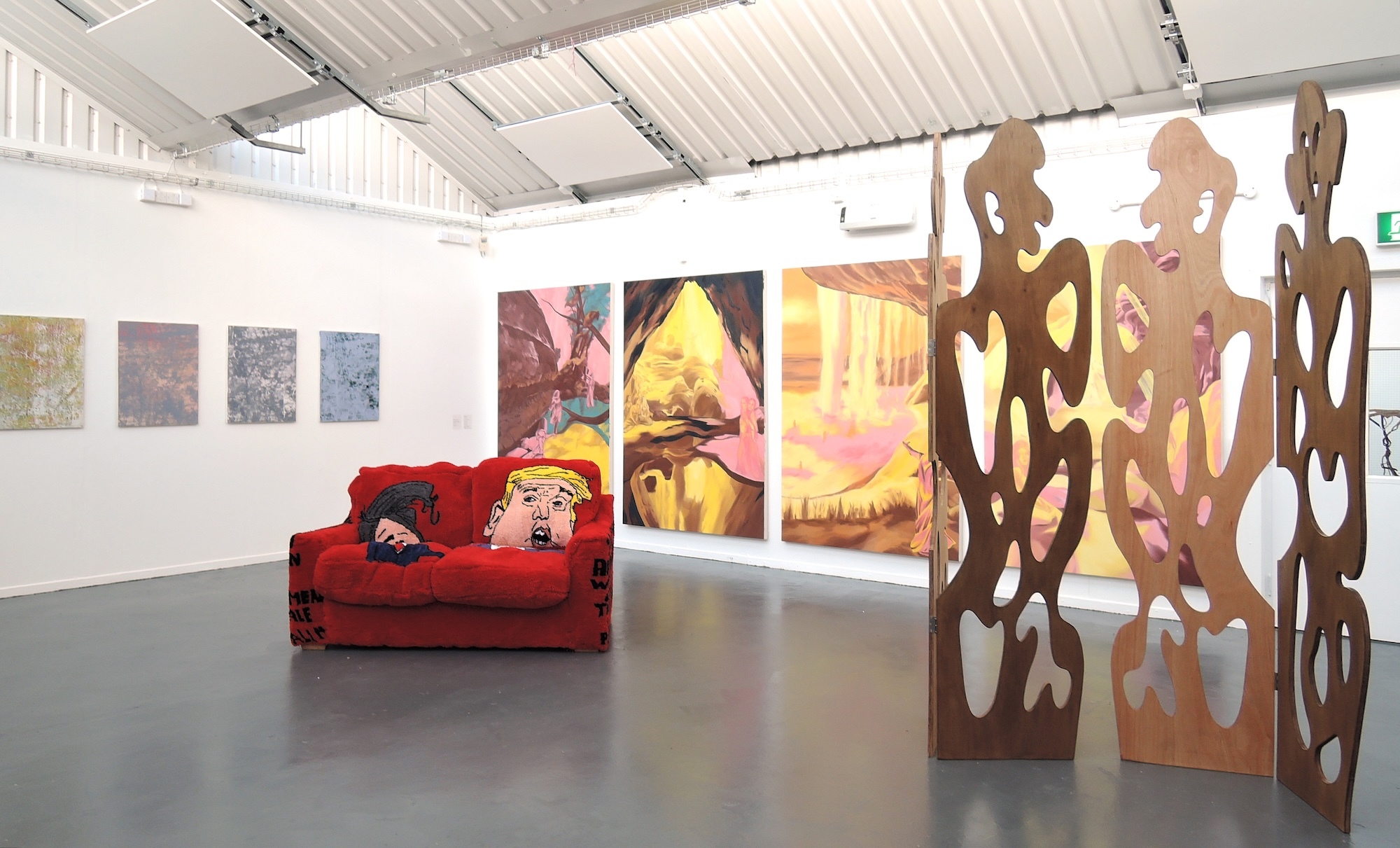
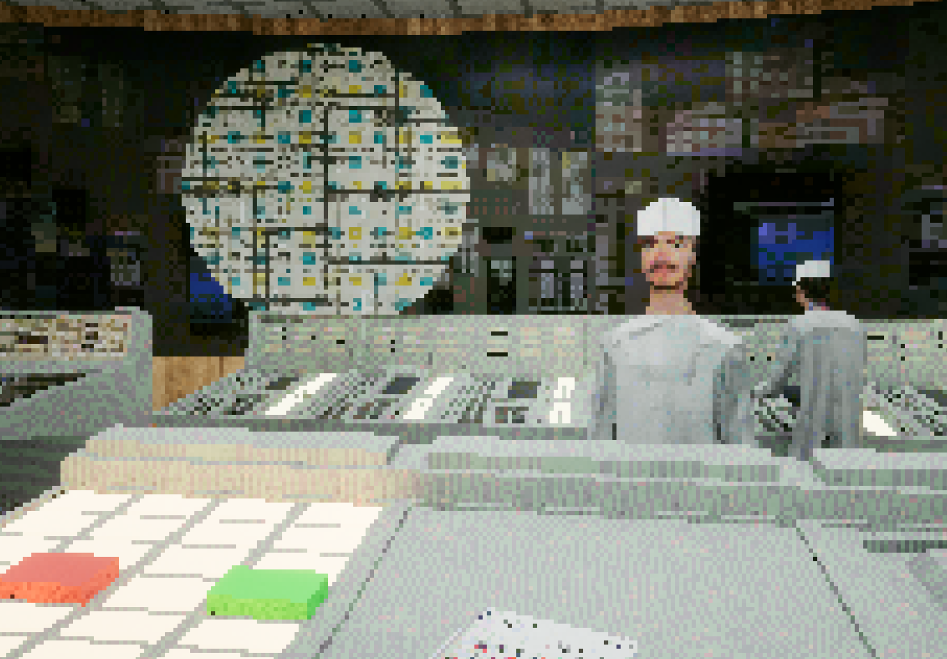
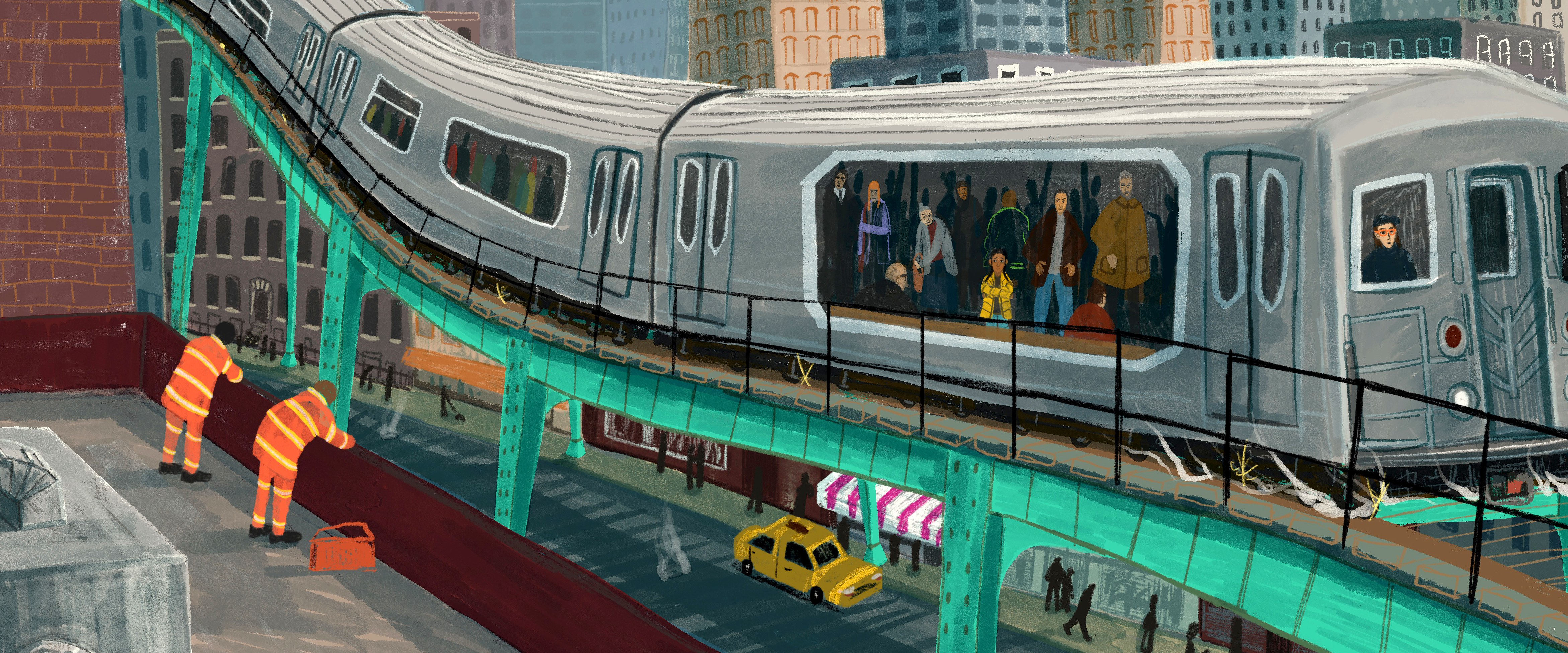
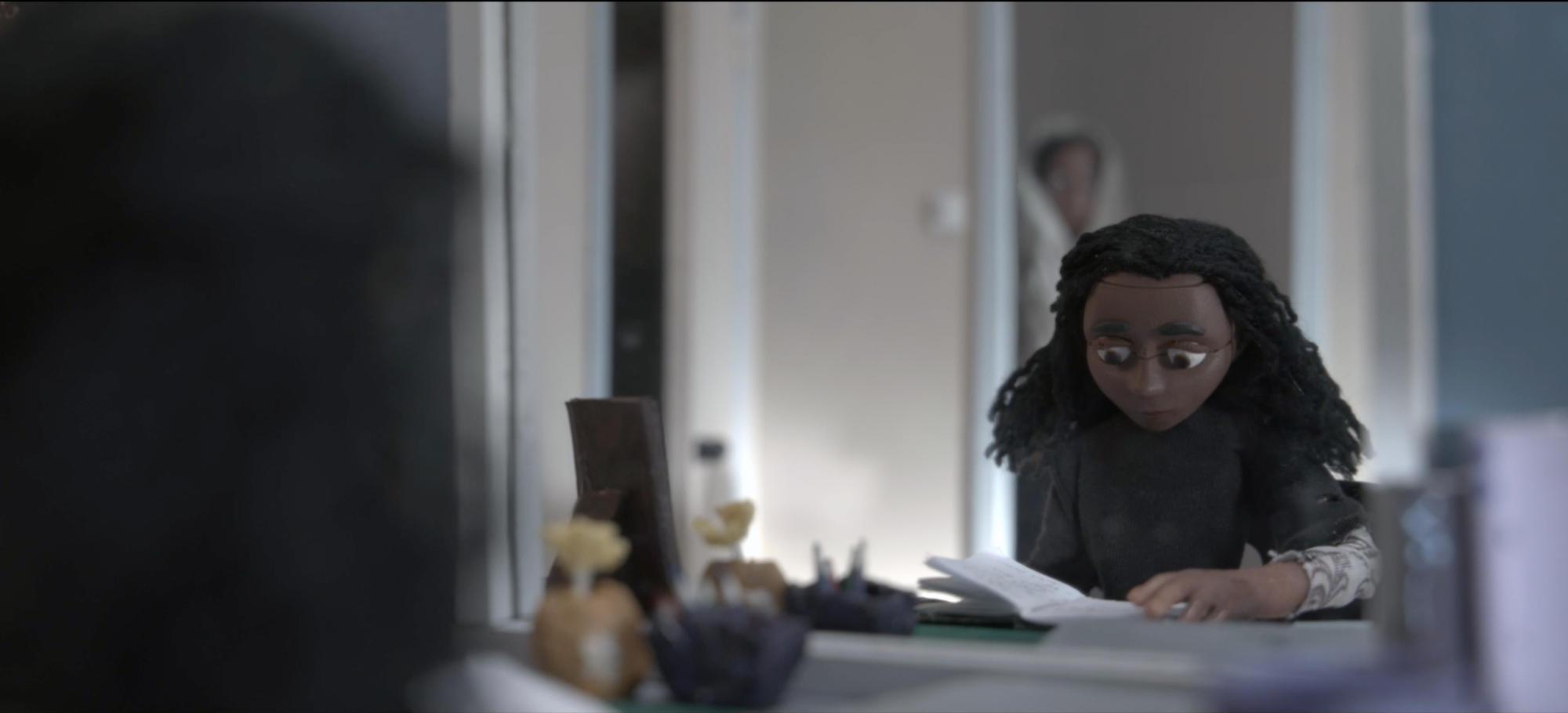
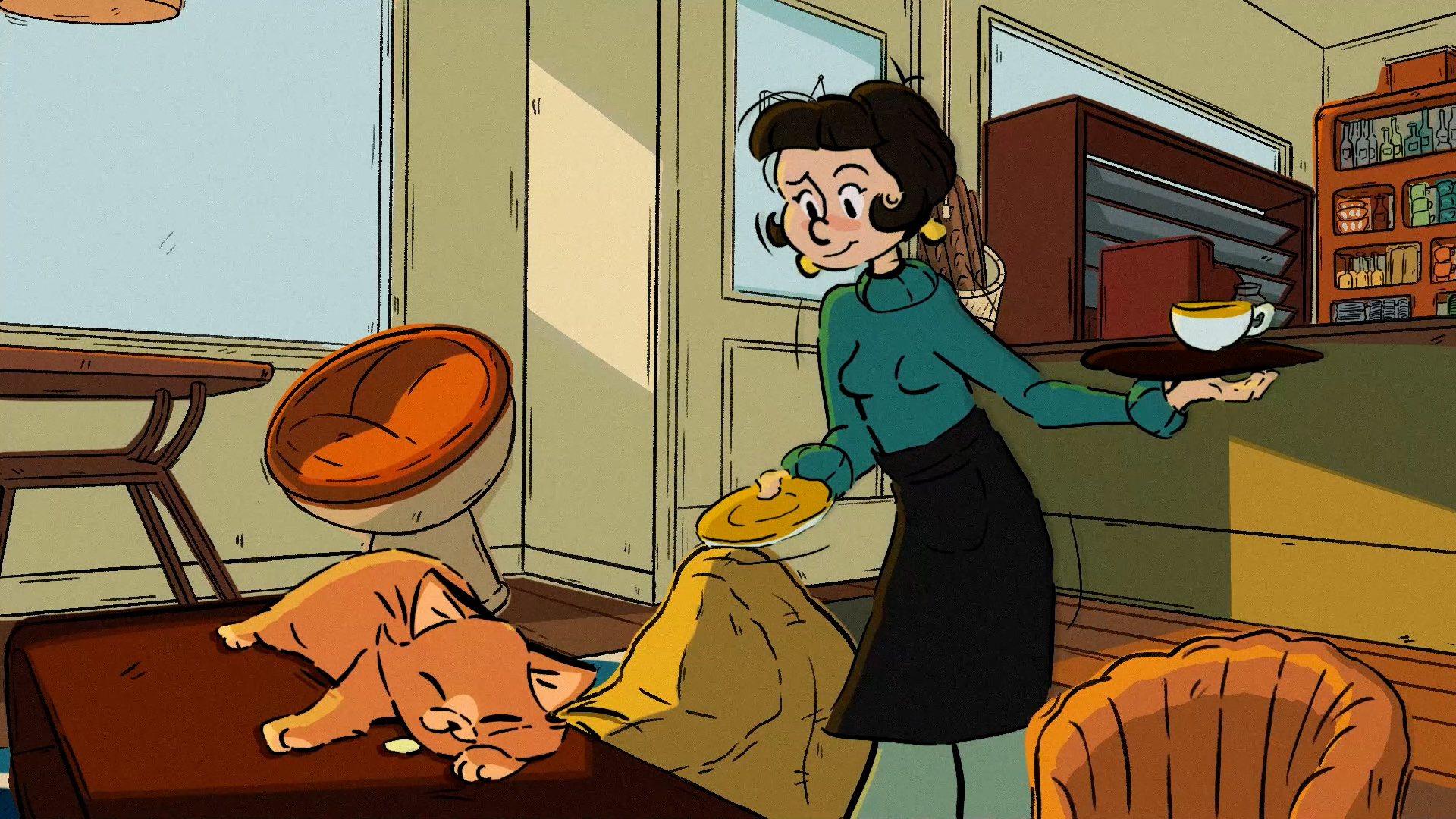
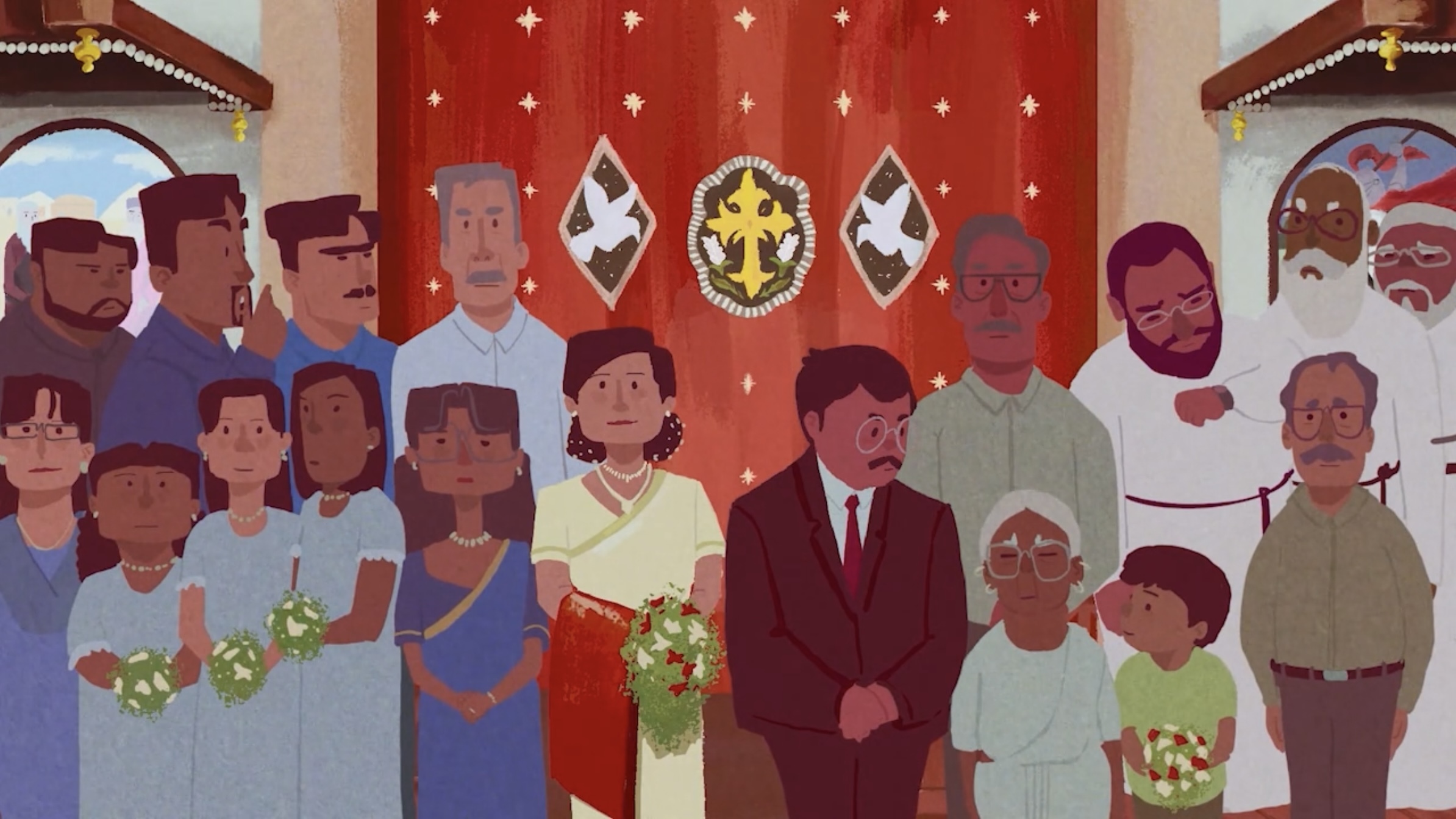
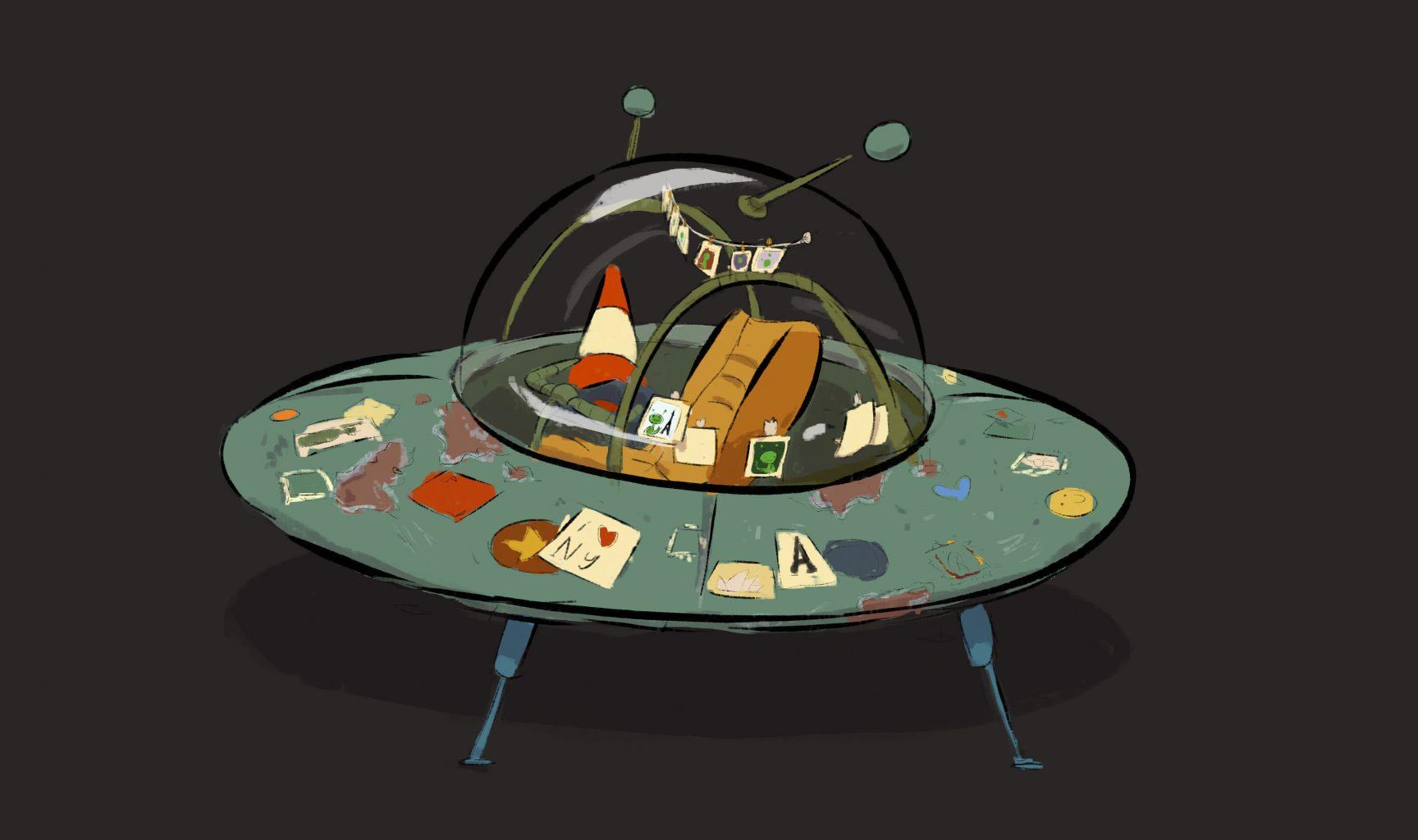
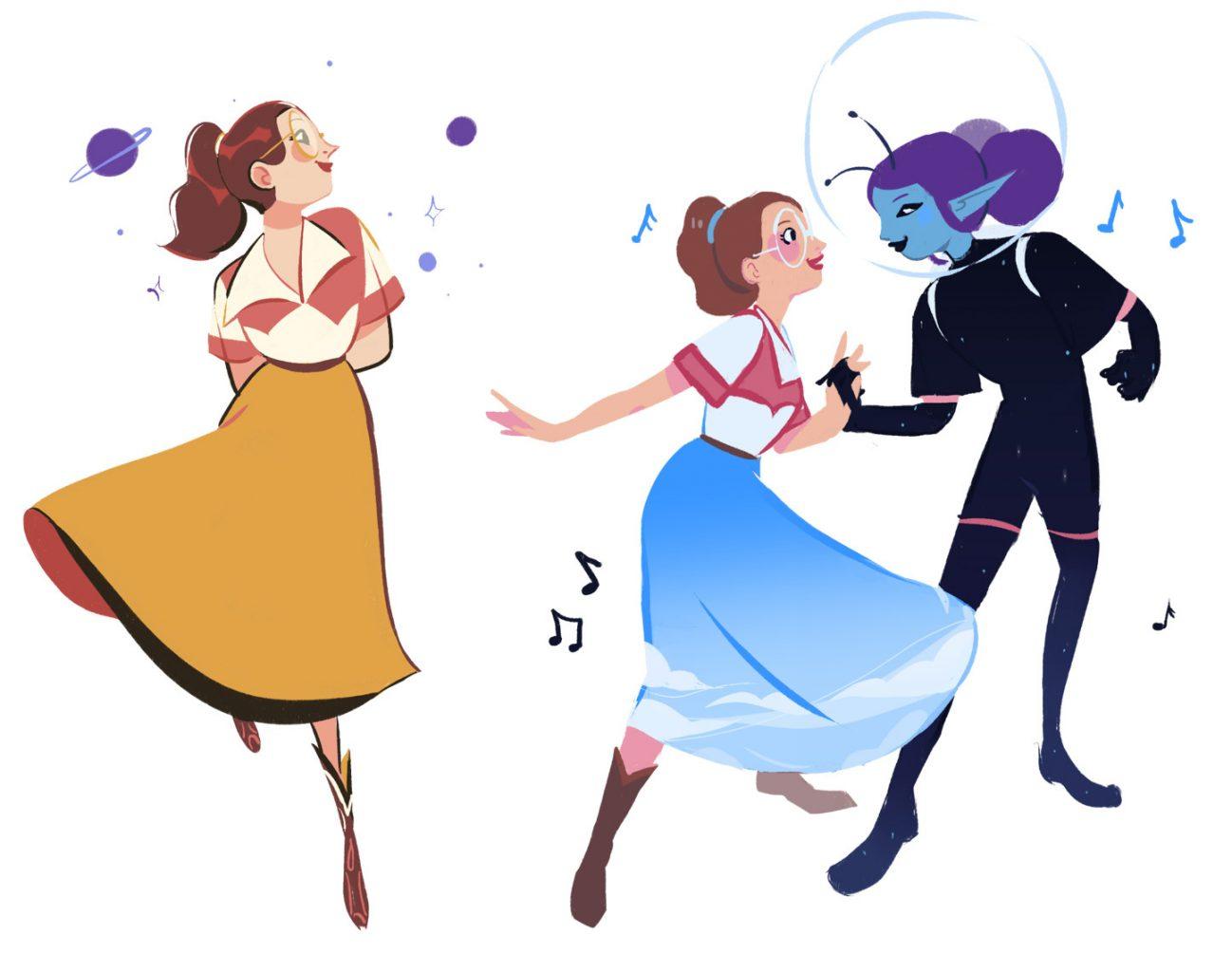
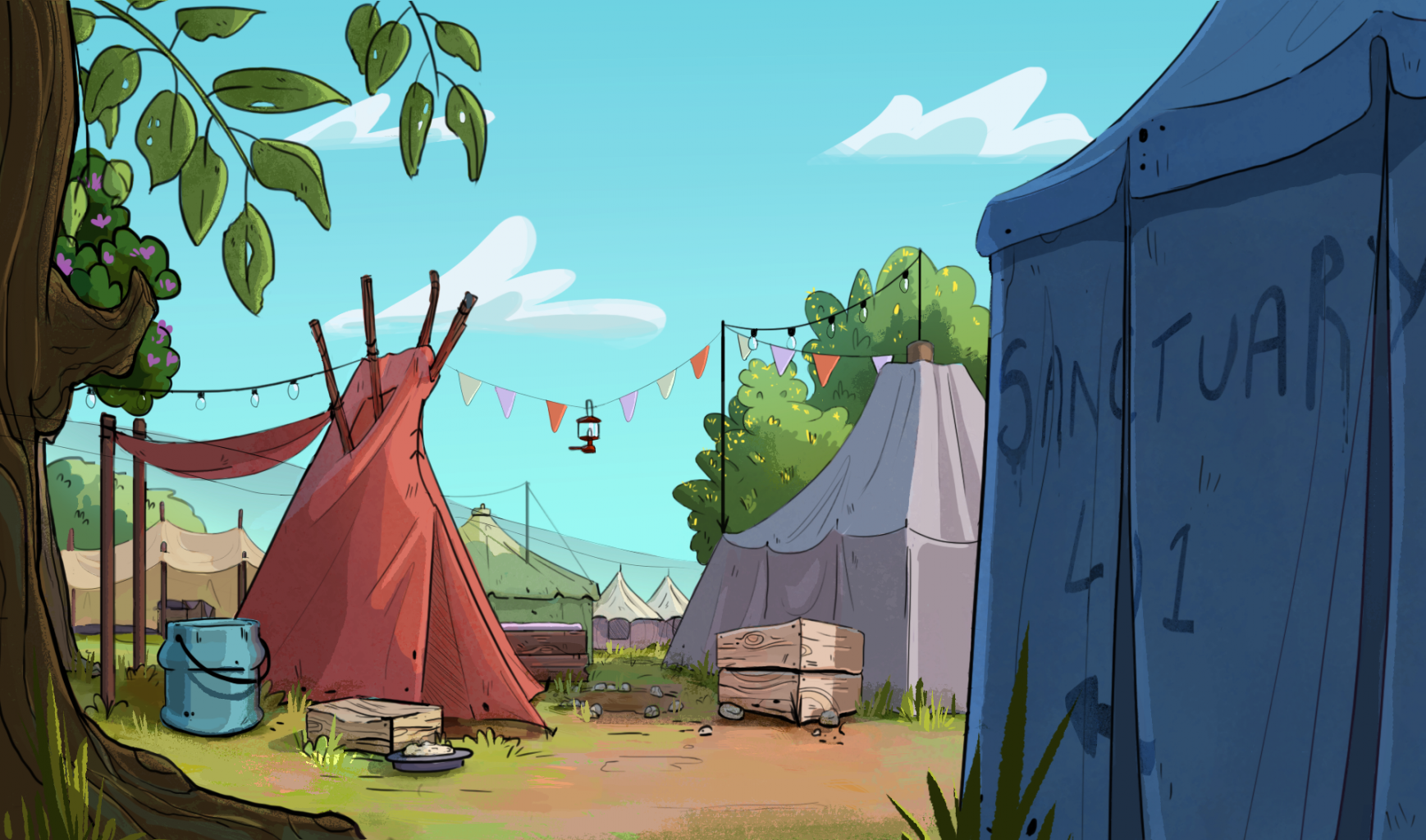
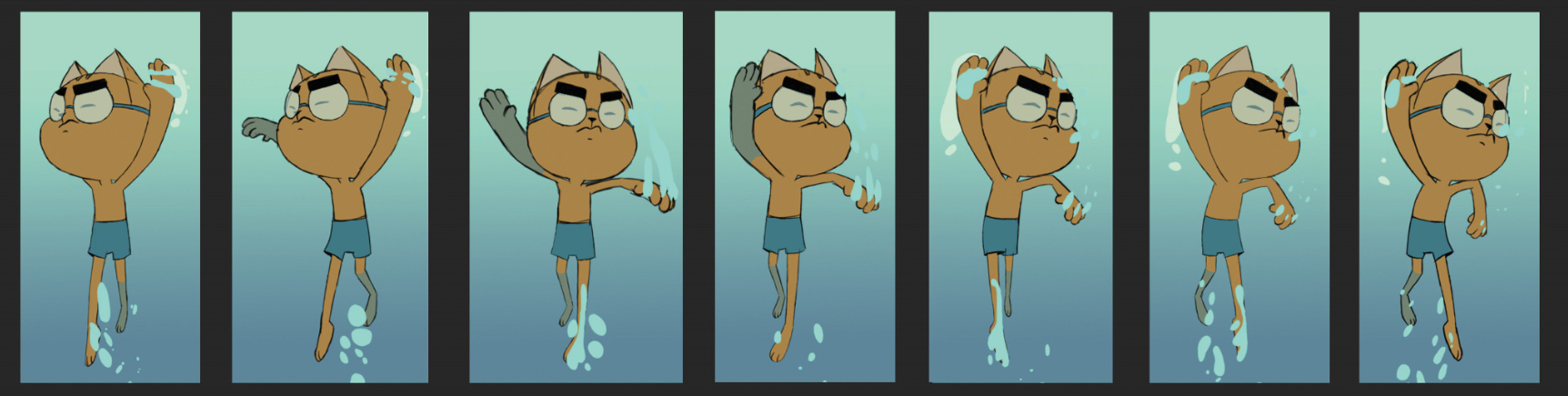
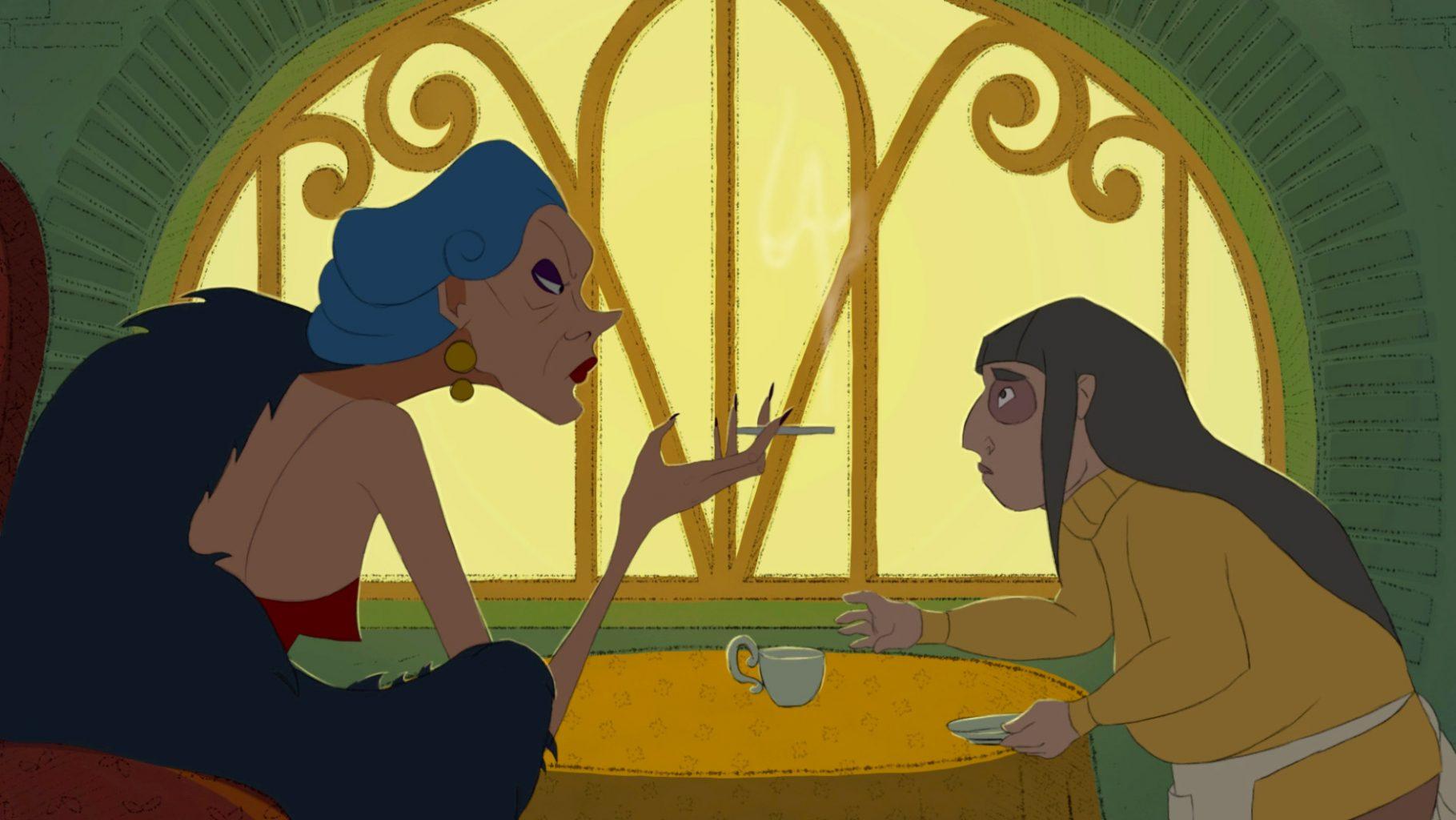
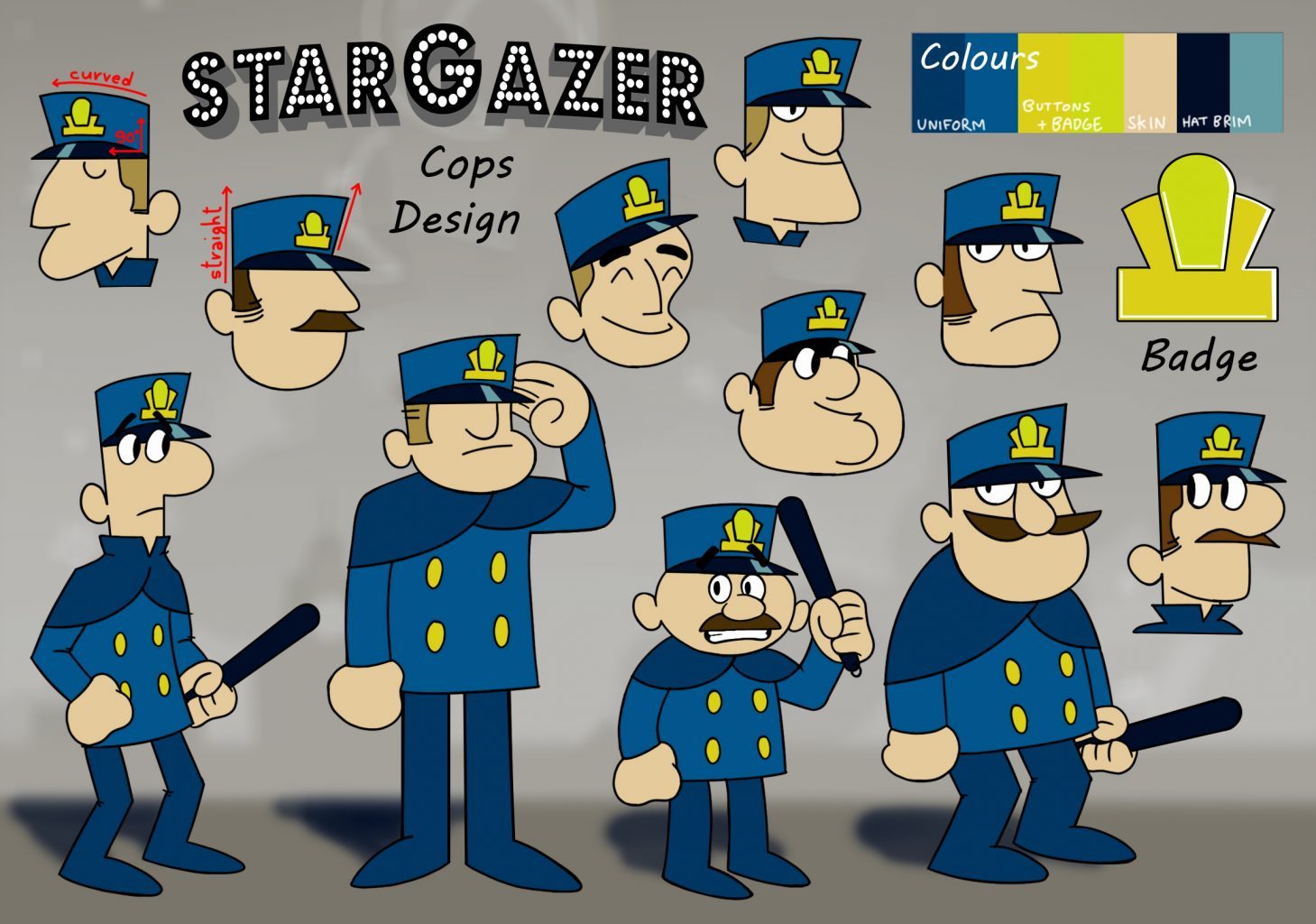
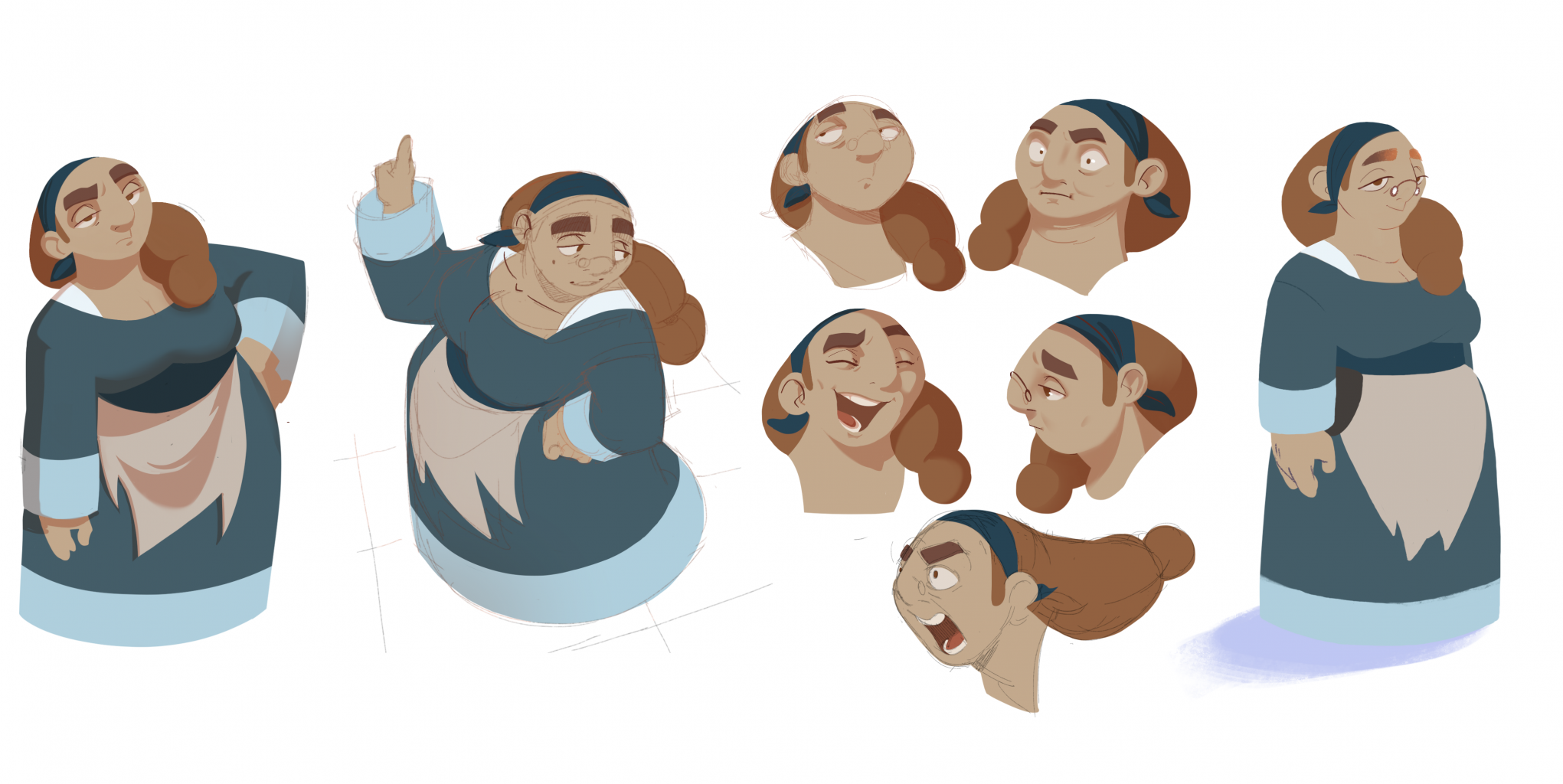
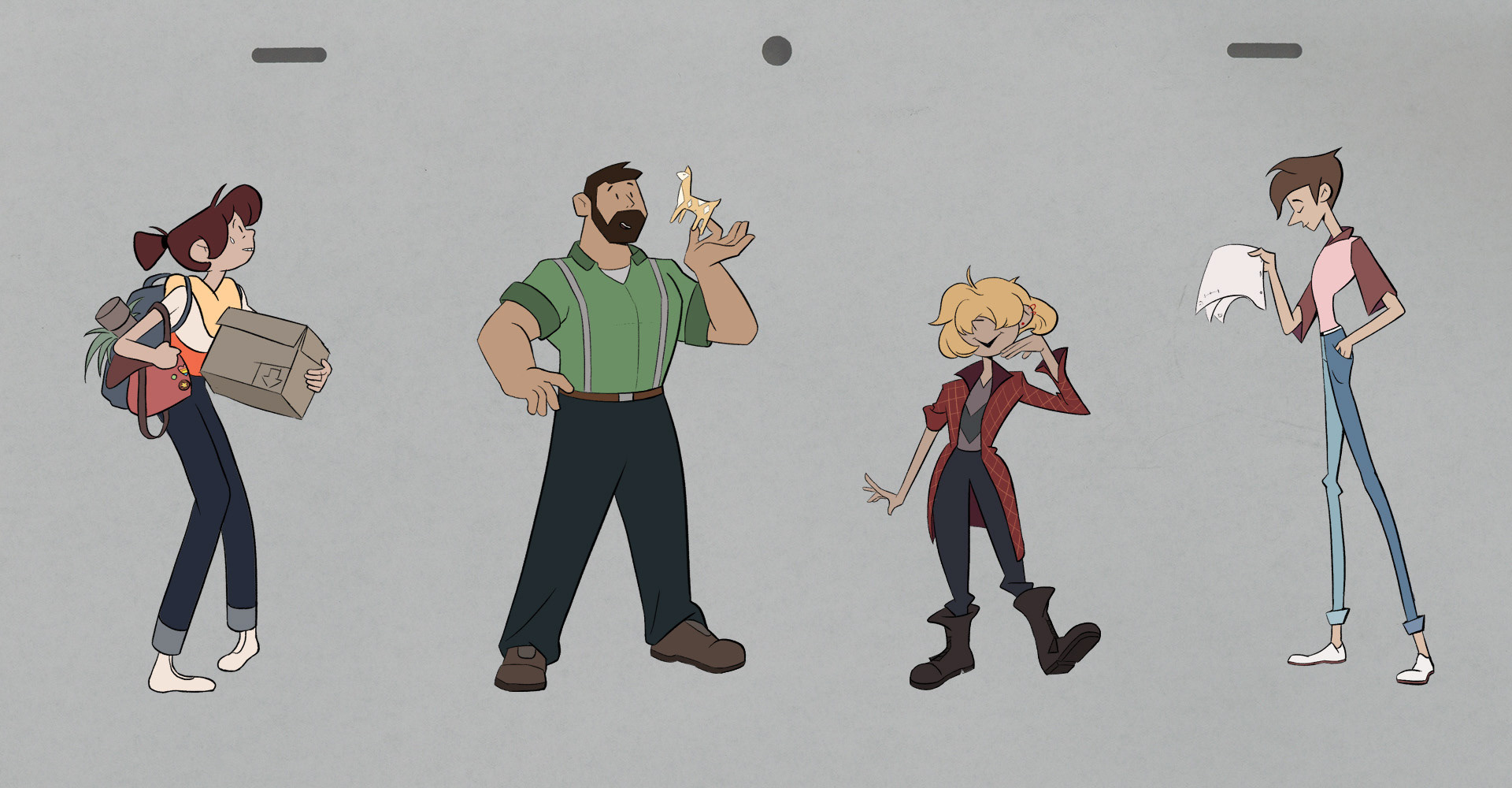
Have a look through some of the work our current students are producing to get an idea of the type of work you may be making on our course.
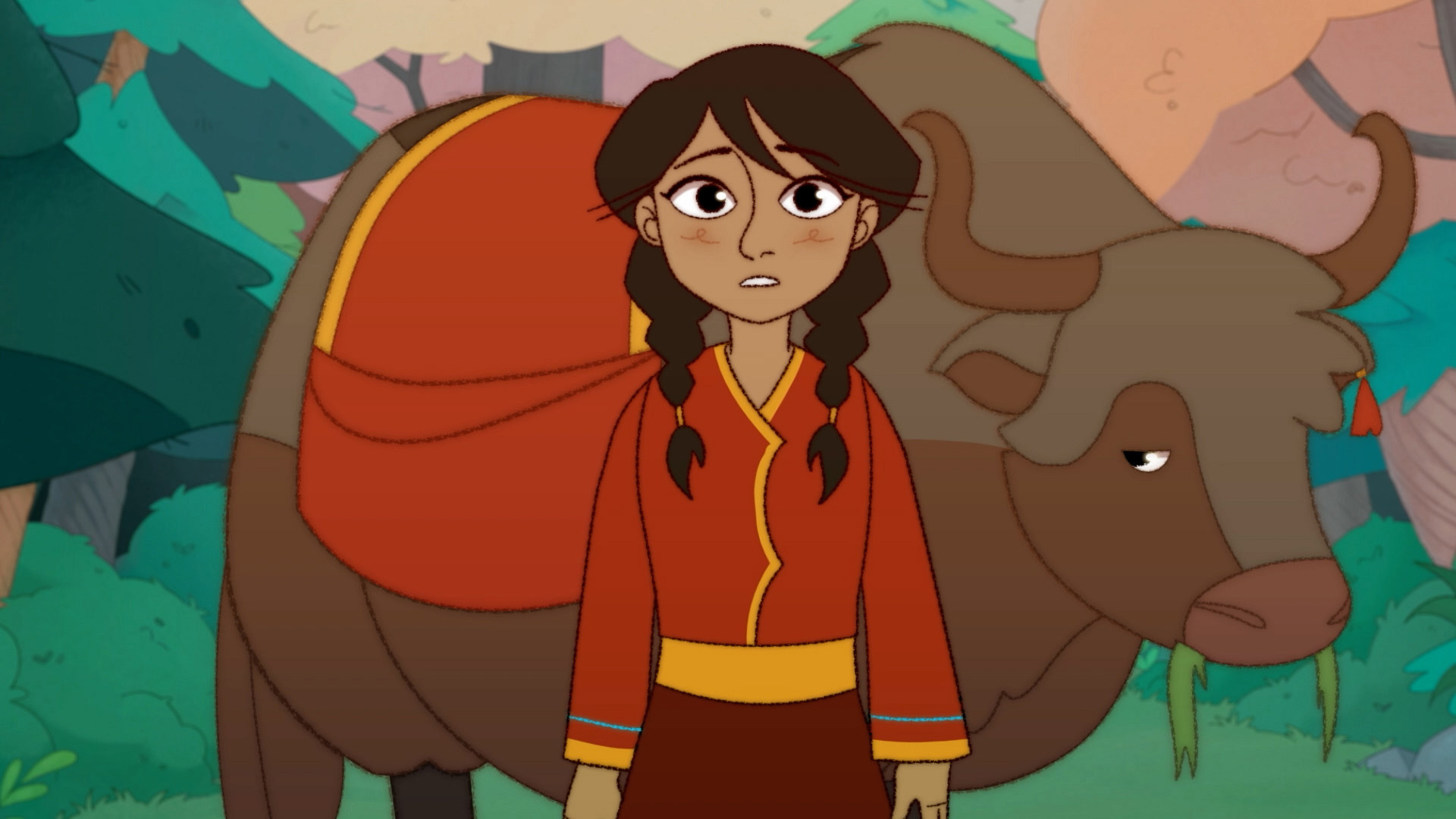
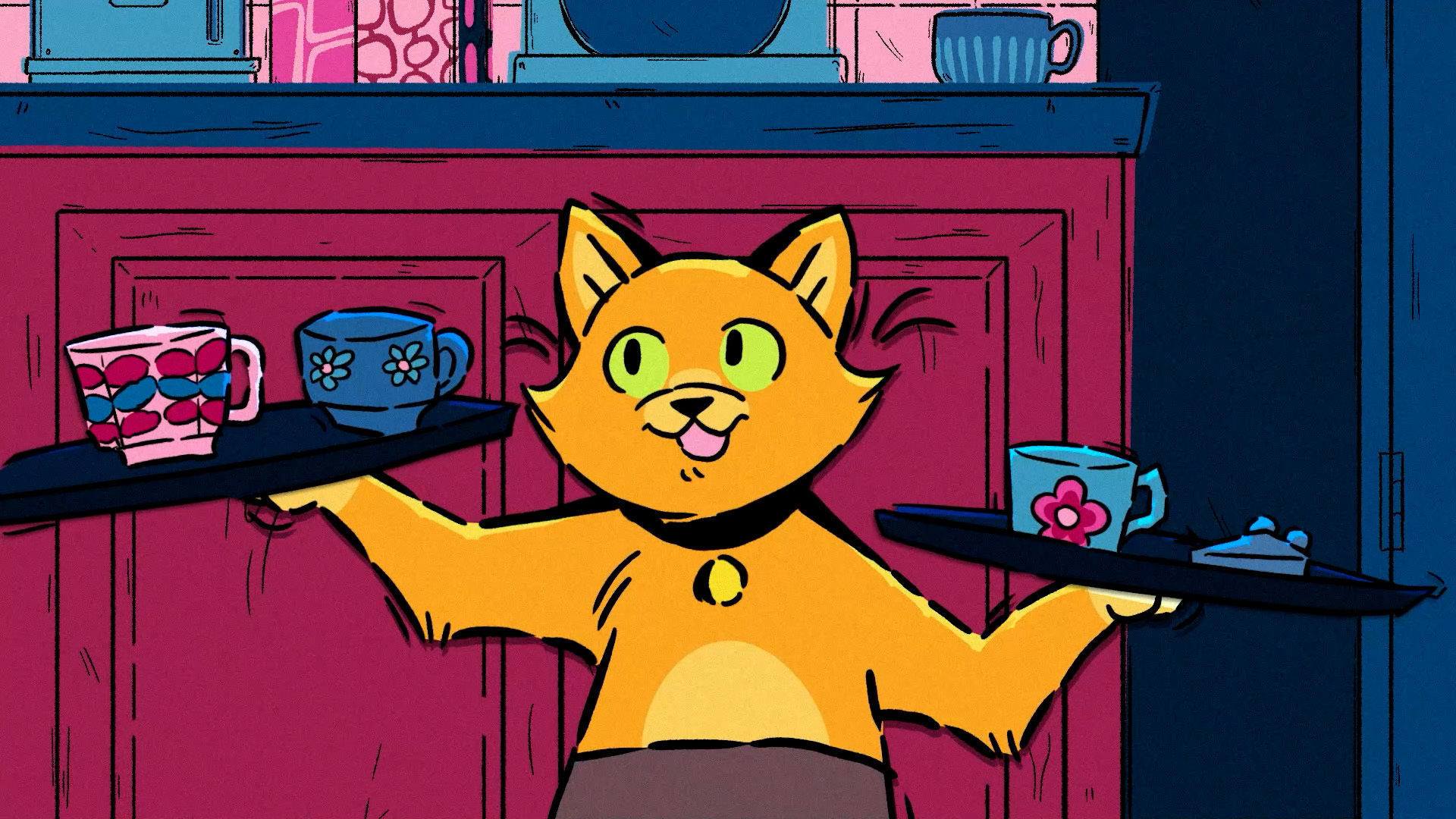
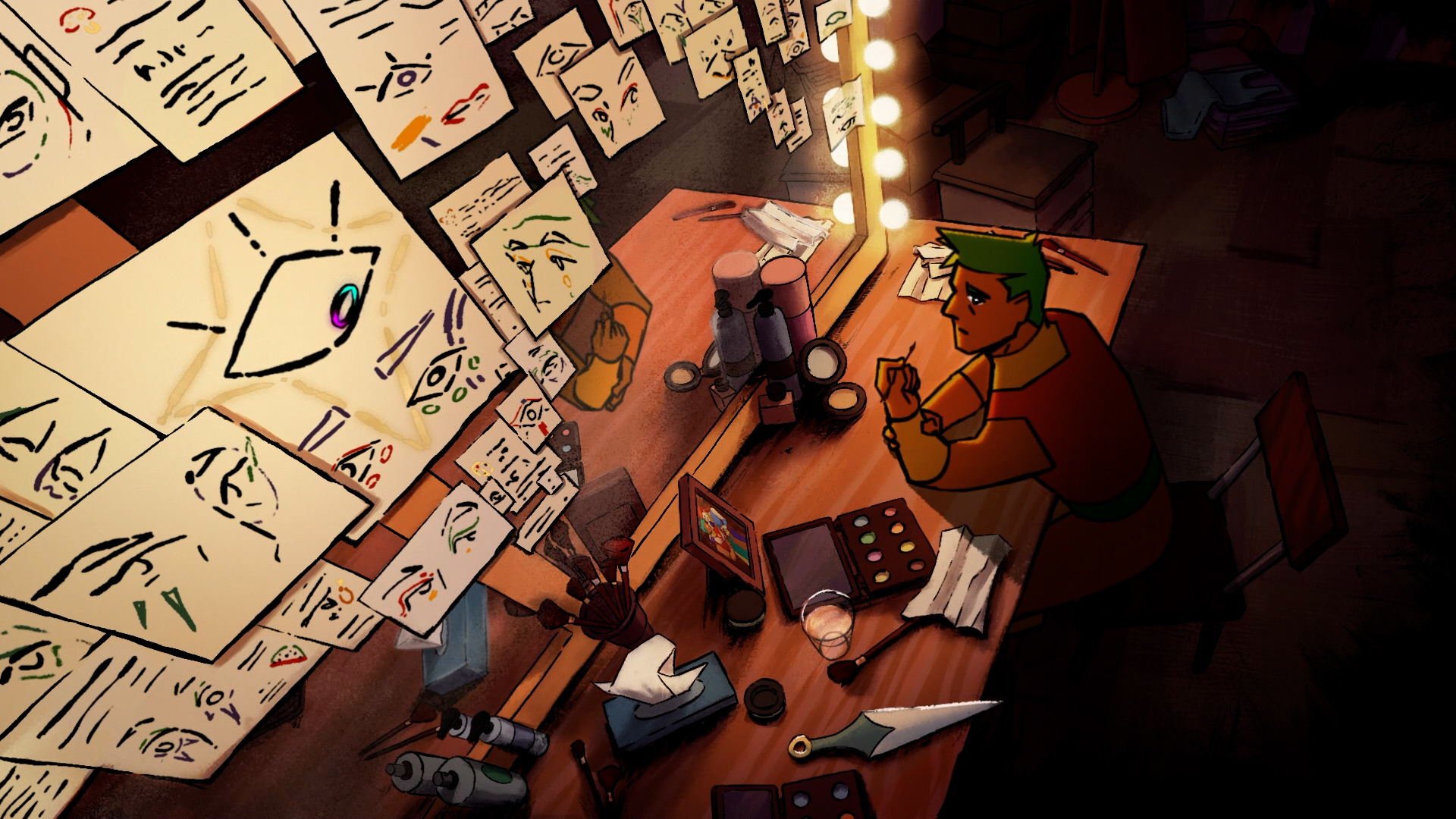
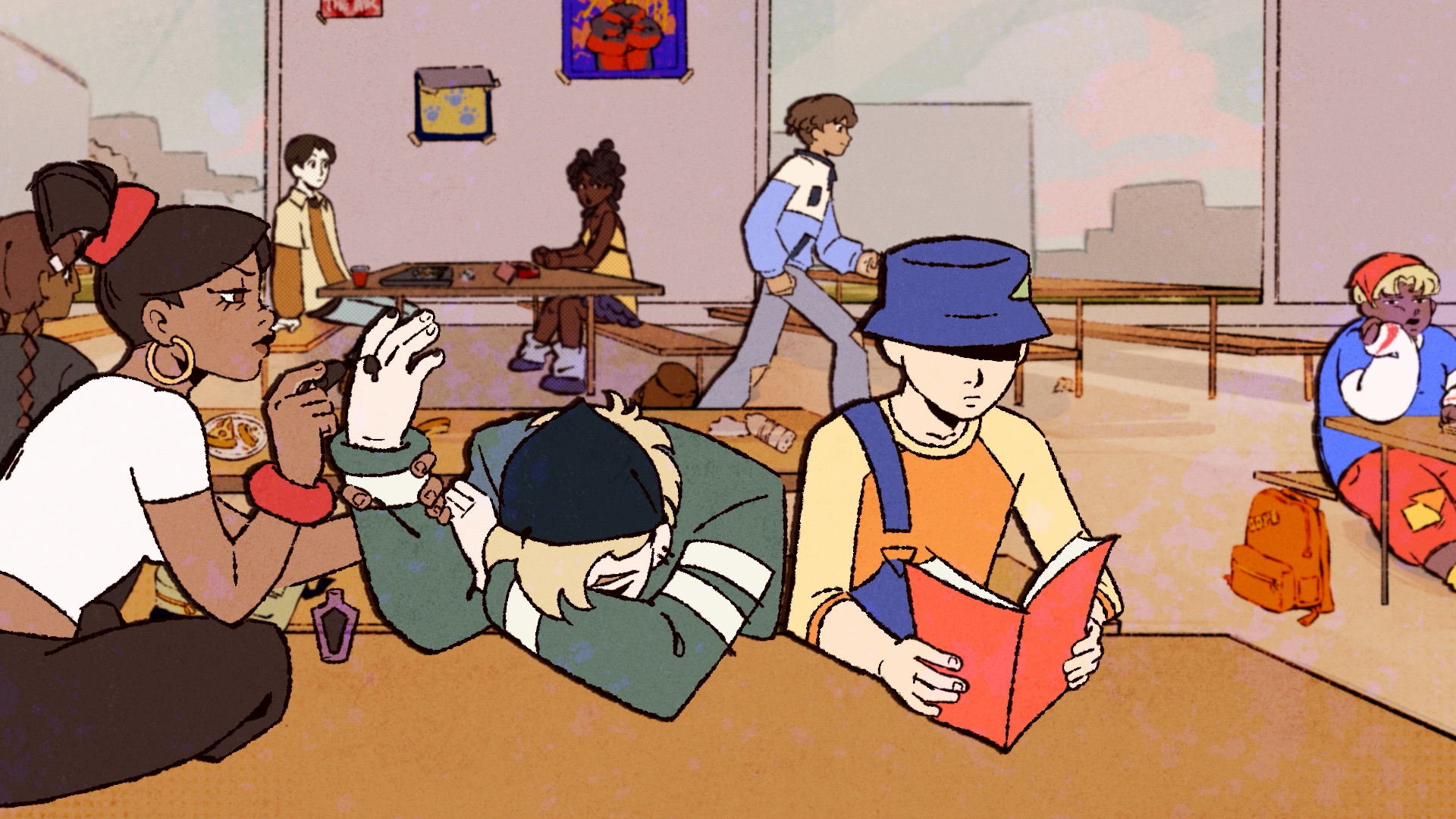
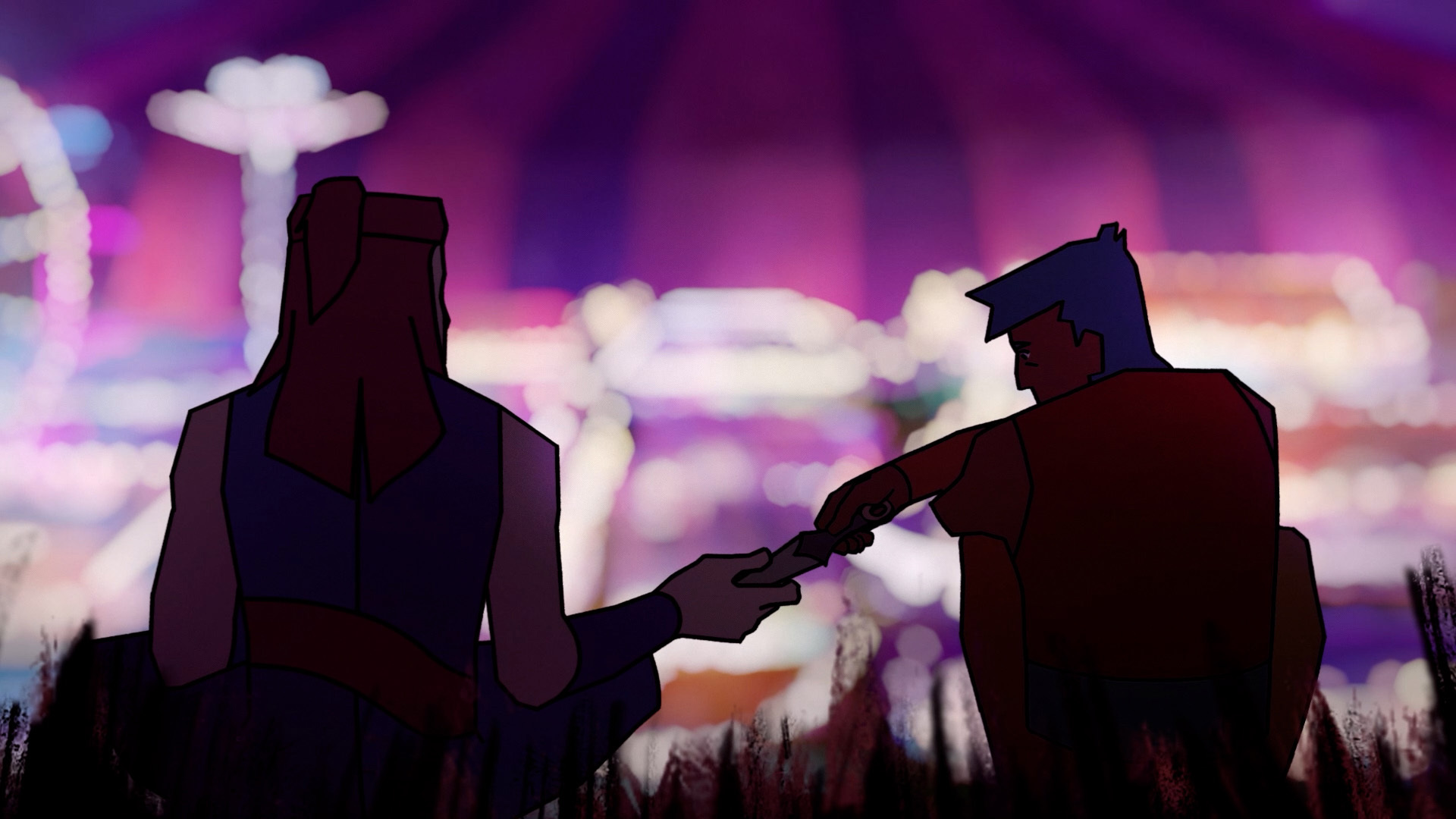
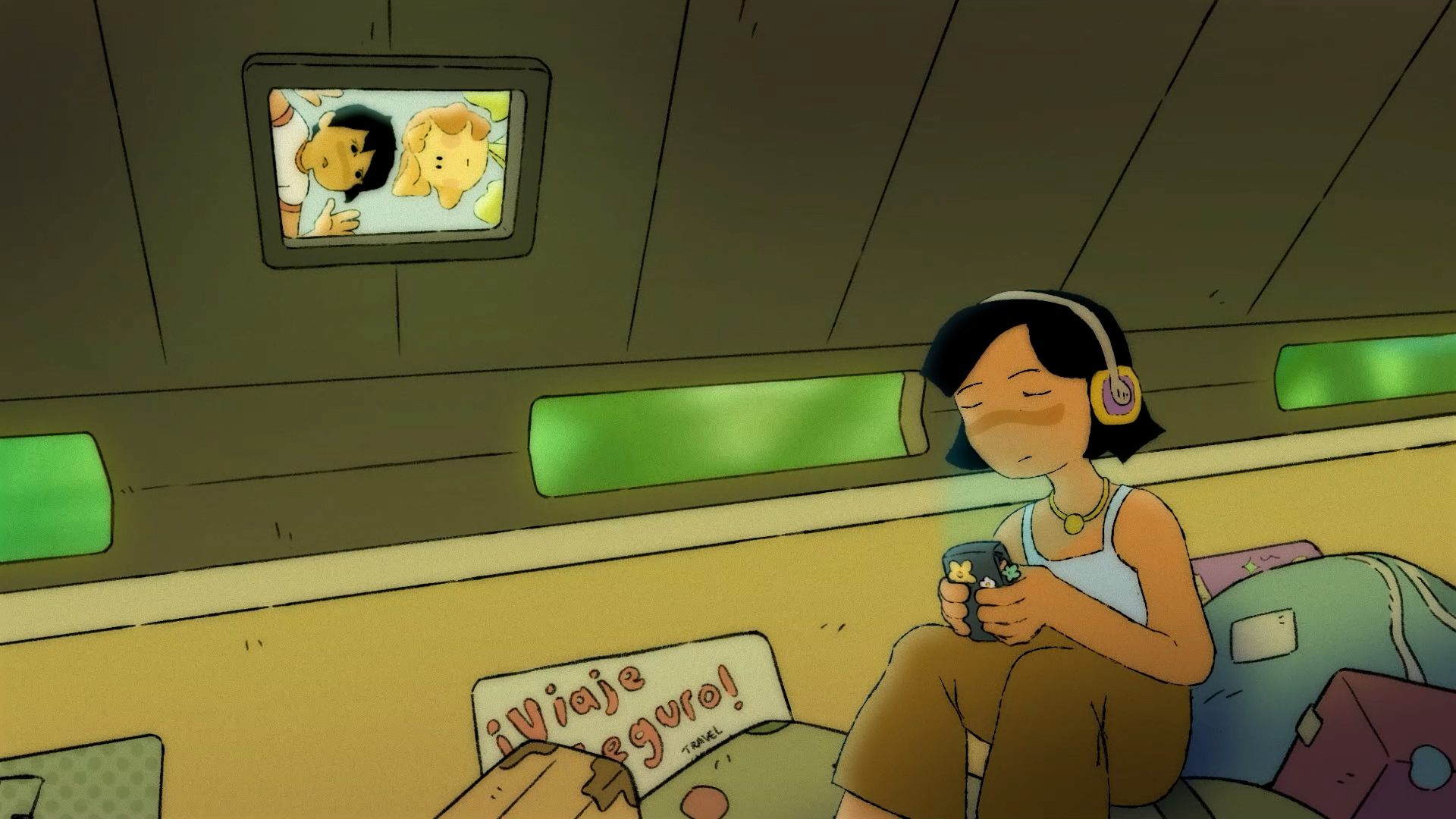
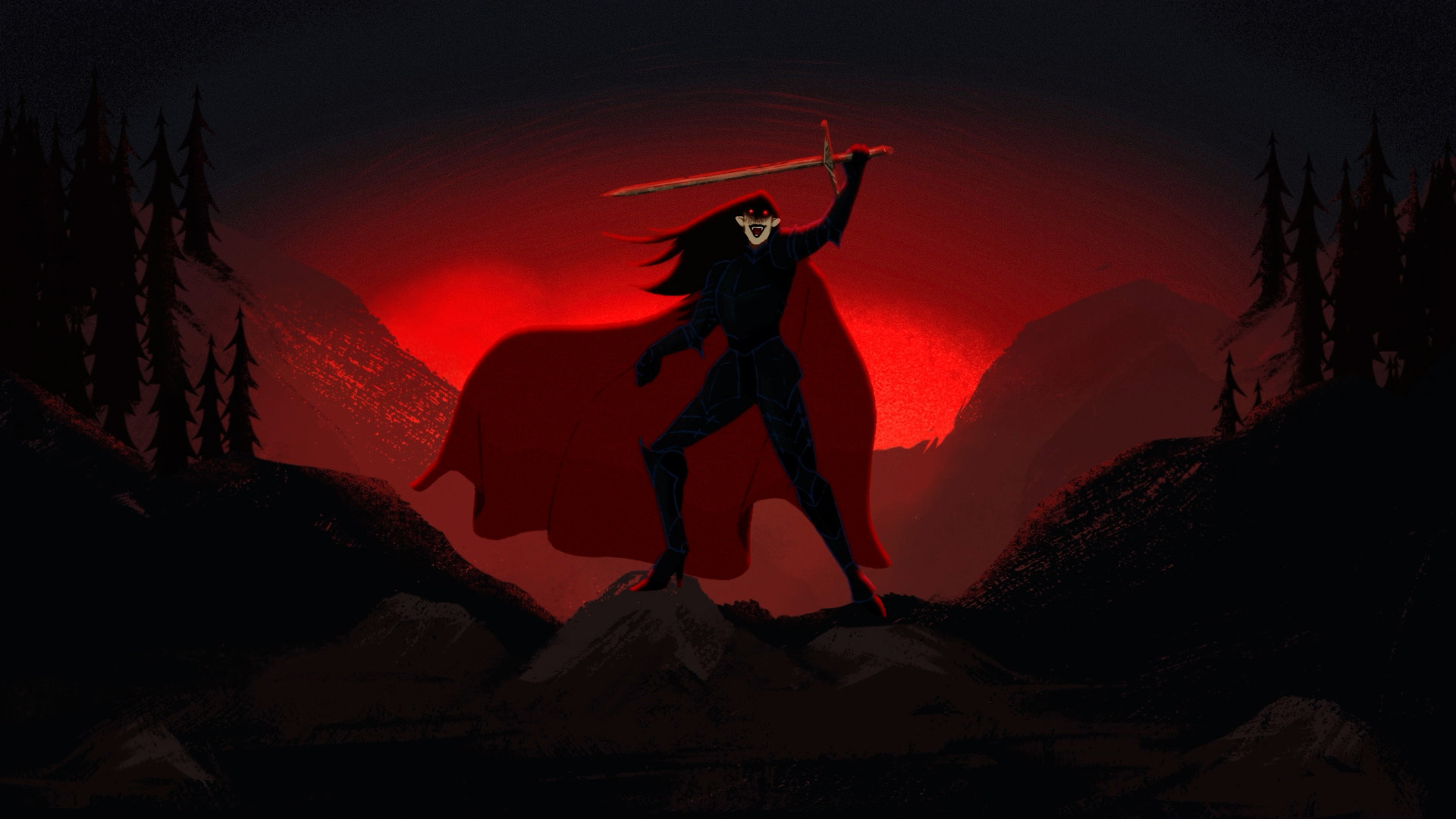
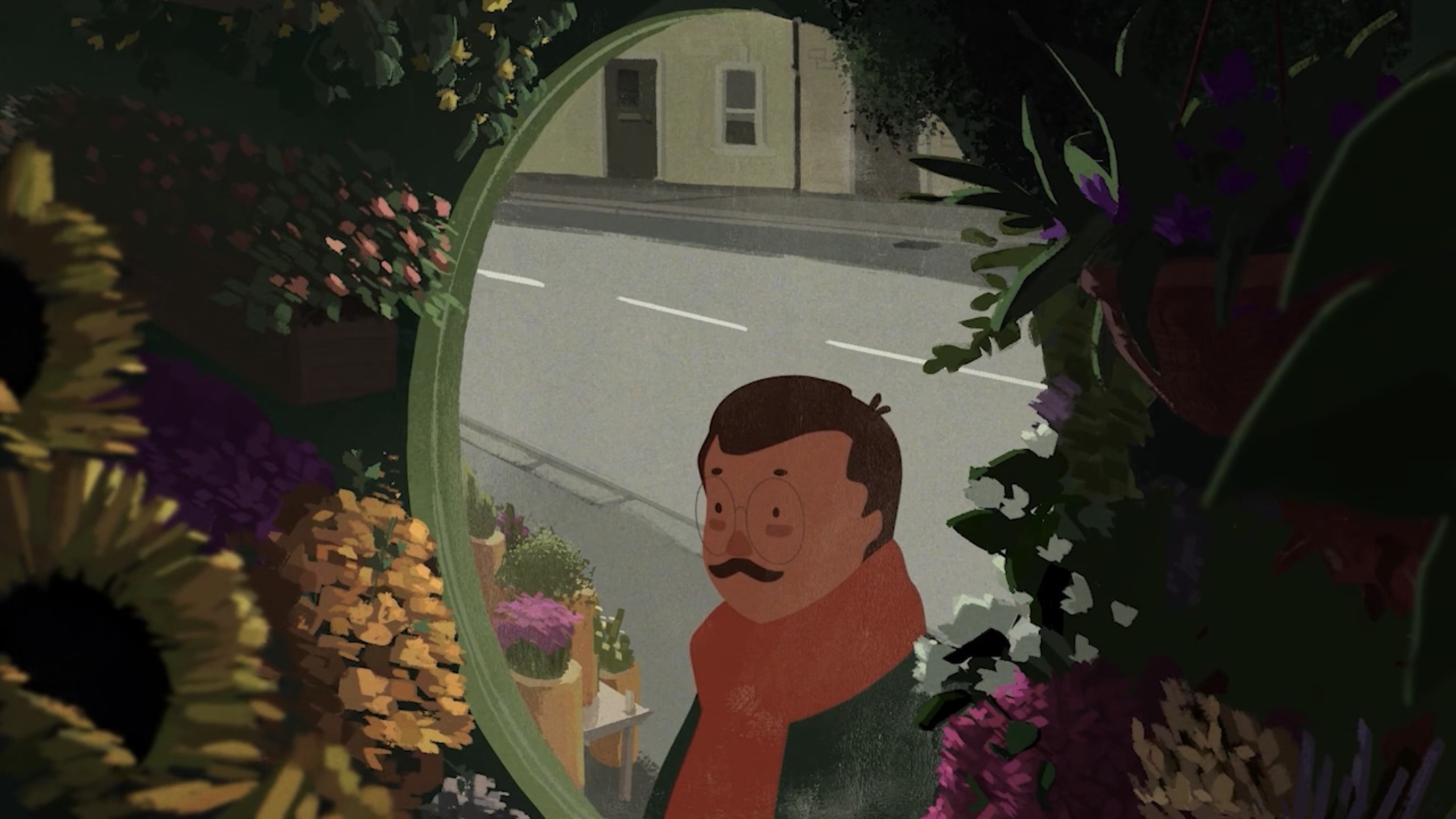
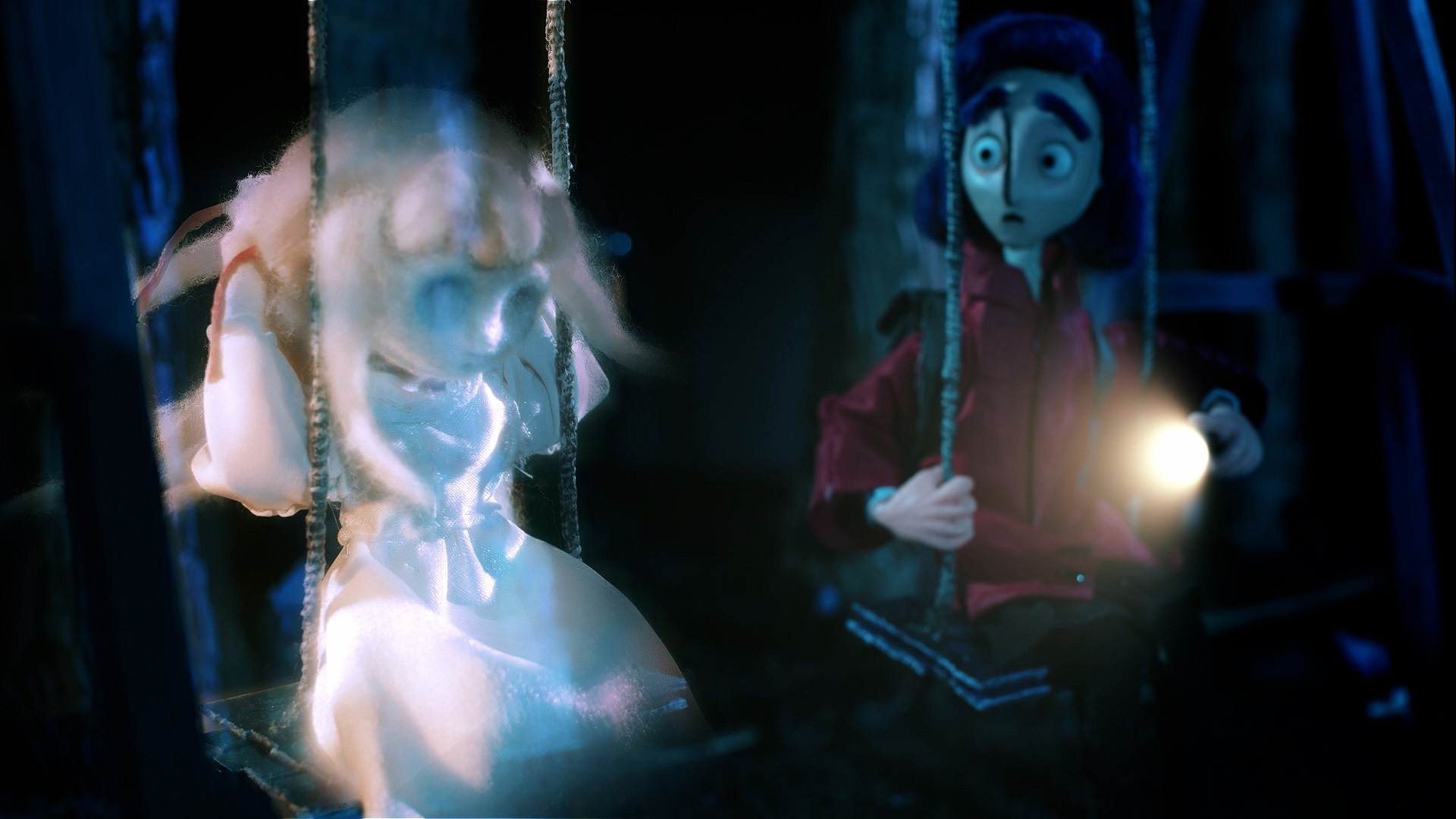
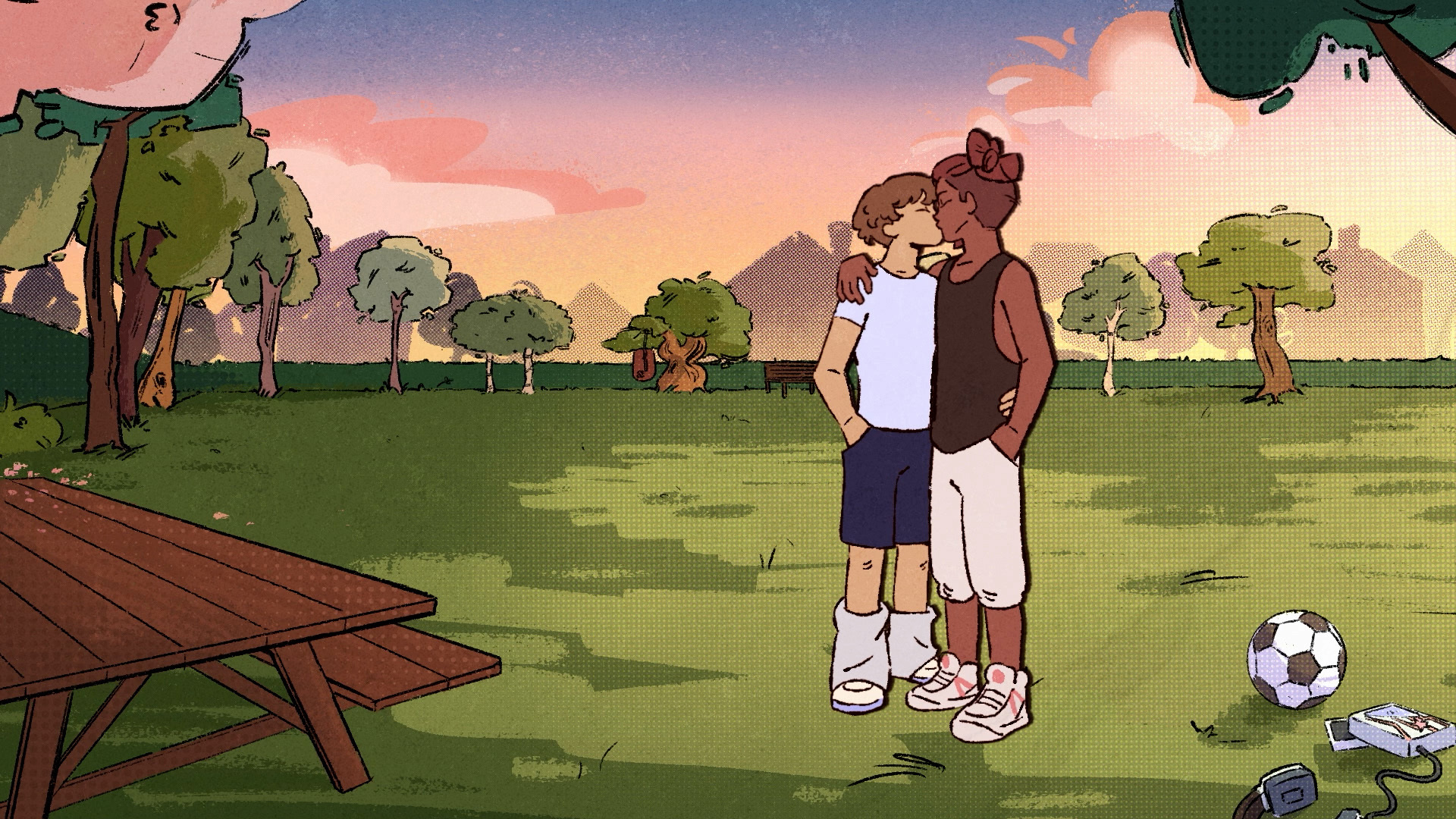
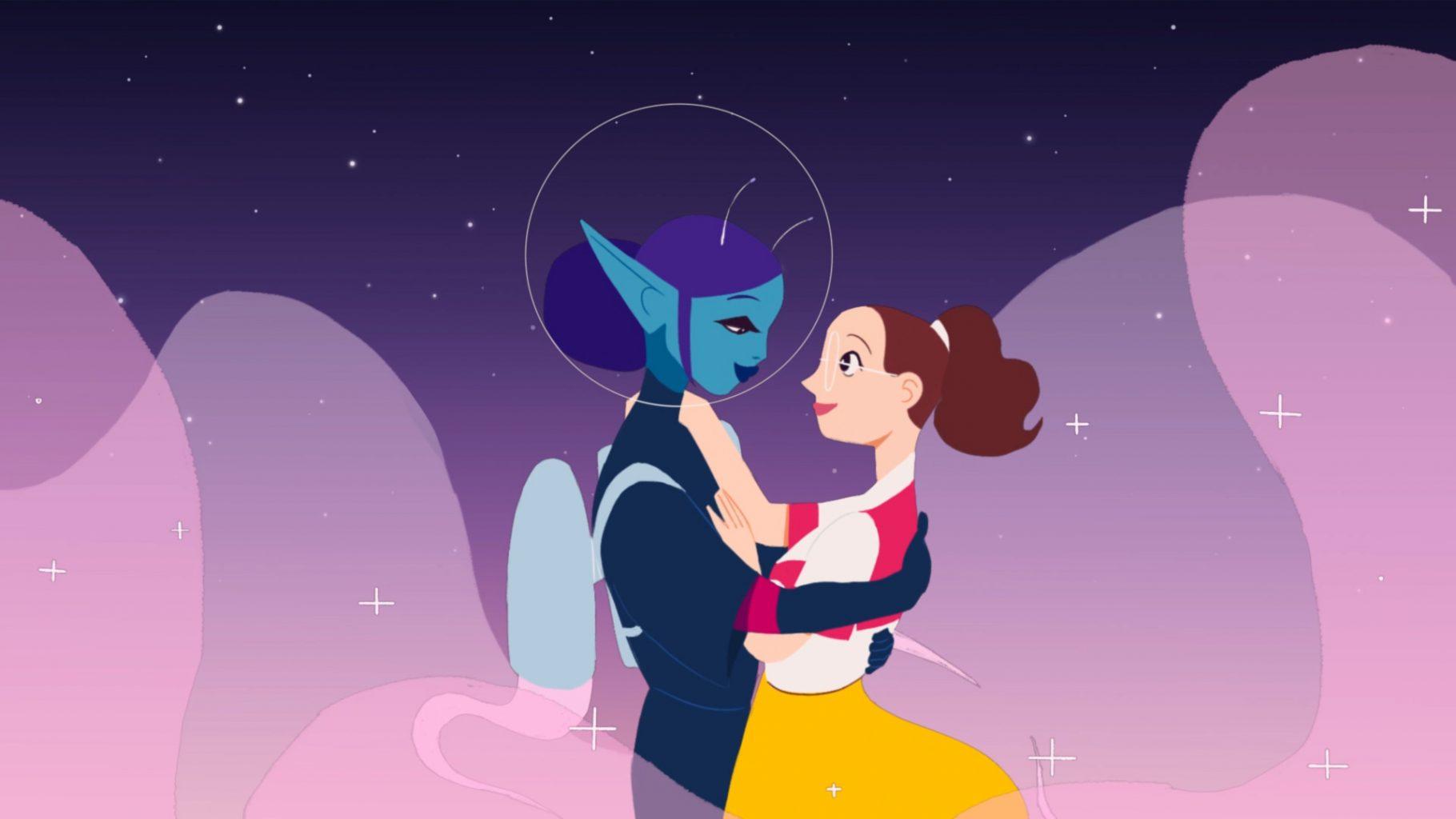
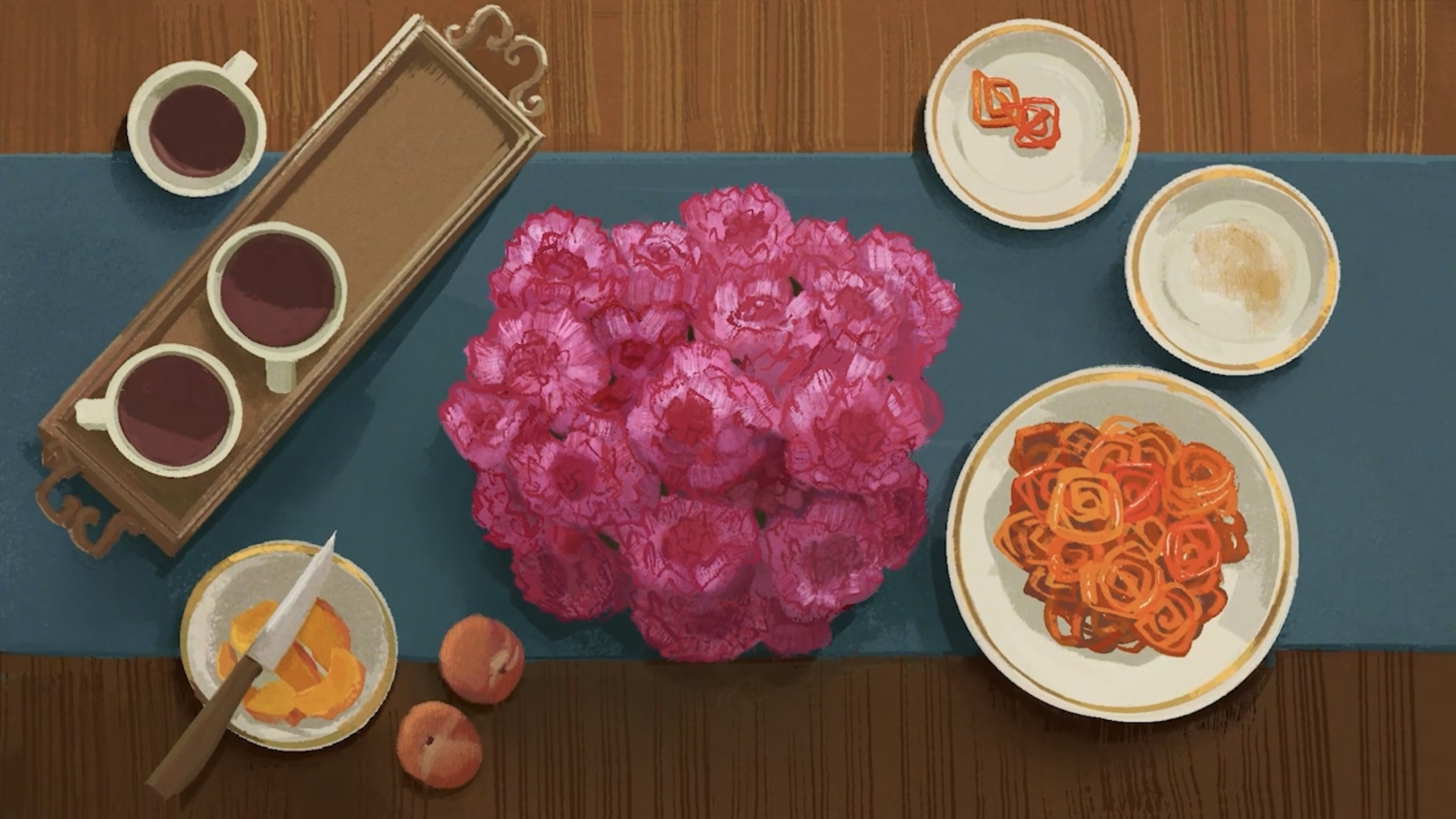
We suggest that you bring the following items with you:
We'll provide you with the basic drawing materials needed for the first weeks of the course. However, if you have your own materials please bring them along too. Further lists will be provided according to the demands of each unit and you'll be advised at the start of each unit.
On your first day bring along:
This course uses both Apple and Windows computers.
Personal laptops and PCs aren't required for the first year of the course. In second and third year, you’ll be working with a robust suite of software – Adobe Photoshop, Premiere Pro, After Effects, Substance Painter, Autodesk Maya, Toon Boom Harmony, Storyboard Pro, and DragonFrame – spanning 2D animation, 3D modelling, video editing, and stop motion.
The course uses PCs, but you can use a Mac alternative. Course software demands a blend of CPU power, GPU performance, RAM, and storage. These recommendations are based on the minimum system requirements:
Find out the useful dates and contact before you start here
We are looking forward to welcoming you to BA (Hons) Animation Production this year in just a few weeks!